
W-Agent
Overview
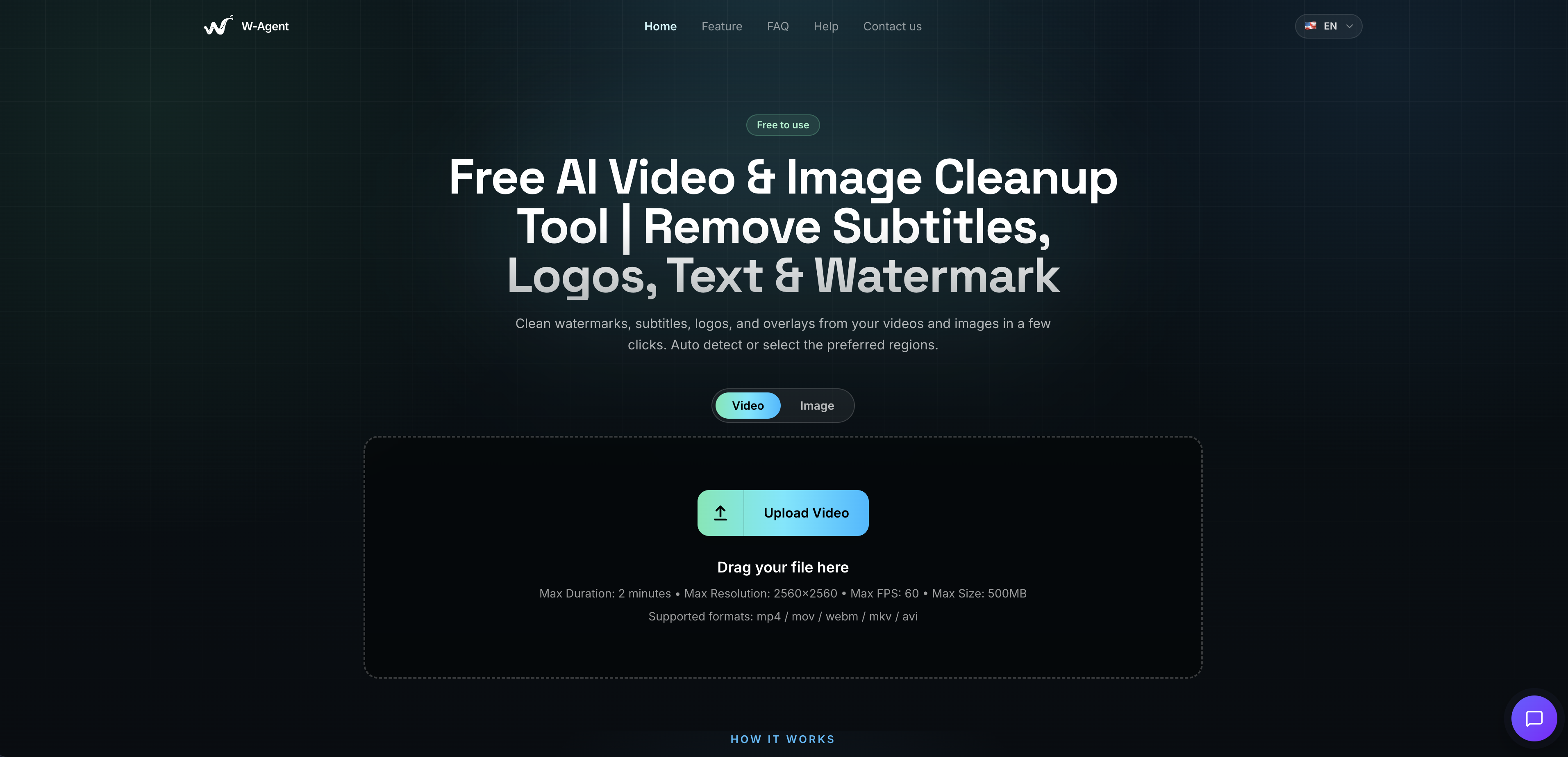
- Publish clean, professional video and image content without watermarks, subtitles, or logos distracting your audience, using AI-powered overlay detection and removal that works on MP4, AVI, MOV, MKV, PNG and more
- Get precise, targeted watermark removal instead of stripping an overlay from an entire clip, with time-scoped masks for video that restrict erasure to the exact time ranges where the overlay appears
- Avoid the smudged, blurred patches left by basic eraser tools, thanks to AI-assisted inpainting that reconstructs the background underneath while preserving edges, color, and motion for a natural-looking result
- Skip the hassle of installing plugins or desktop software, because the entire watermark and subtitle removal process runs directly in your browser from upload to download
- Start removing watermarks and text overlays immediately with no signup, no account, and no cost, making it a genuinely free AI tool for cleaning up video and image files
- Keep your final footage and images at their original standard, with full-quality downloads that export the cleaned version without downgrading resolution or clarity
- Handle both video watermark removal and image overlay cleanup in one place, covering subtitle removal, logo removal, and text overlay erasure across multiple supported file formats
Pros & Cons
Pros
- Free to use
- No signup required
- No installation or plugins needed
- AI auto-detects overlays
- Manual masks for precise control
- Time-scoped masks for video
- AI-assisted inpainting preserves background detail
- Supports both video and image
- Wide file format support
- Full-quality downloads
- Fast, simple three-step workflow
Cons
- No country or company info disclosed
- No pricing tier or premium option mentioned
- No API access
- Unclear which AI model powers it
- Results likely vary with complex or moving overlays
Reviews
Rate this tool
Loading reviews...
❓ Frequently Asked Questions
W-Agent is a free AI tool that removes subtitles, logos, watermarks, and text overlays from videos and images. Upload a file, let the AI detect and erase the overlay, and download the cleaned result.
The AI automatically detects overlays like watermarks, subtitles, and logos, then uses AI-assisted inpainting to erase them and reconstruct the background underneath, preserving edges, color, and motion so the result looks natural.
Both options are available. Auto mode detects and removes overlays automatically for speed, or you can draw masks manually over specific regions for more precise control.
Yes. For video, masks can be scoped to exact time ranges, so the removal only applies to the portion of the clip where the overlay actually appears.
Video formats include MP4, AVI, MOV, and MKV. Image formats include PNG, among others.
Downloads are exported at full quality. The AI inpainting process is designed to preserve edges, color, and motion so the cleaned area blends naturally with the rest of the footage.
Yes, W-Agent is positioned as free to use with no signup required.
No. The entire process runs in the browser, upload, process, and download, with no plugins or installation needed.
By using the tool, you confirm you own the rights to the content or have permission to edit it. W-Agent states it isn't responsible for uploaded content and that users are responsible for complying with copyright and privacy laws.
Pricing
Pricing model
Free
Paid options from
Free