Overview
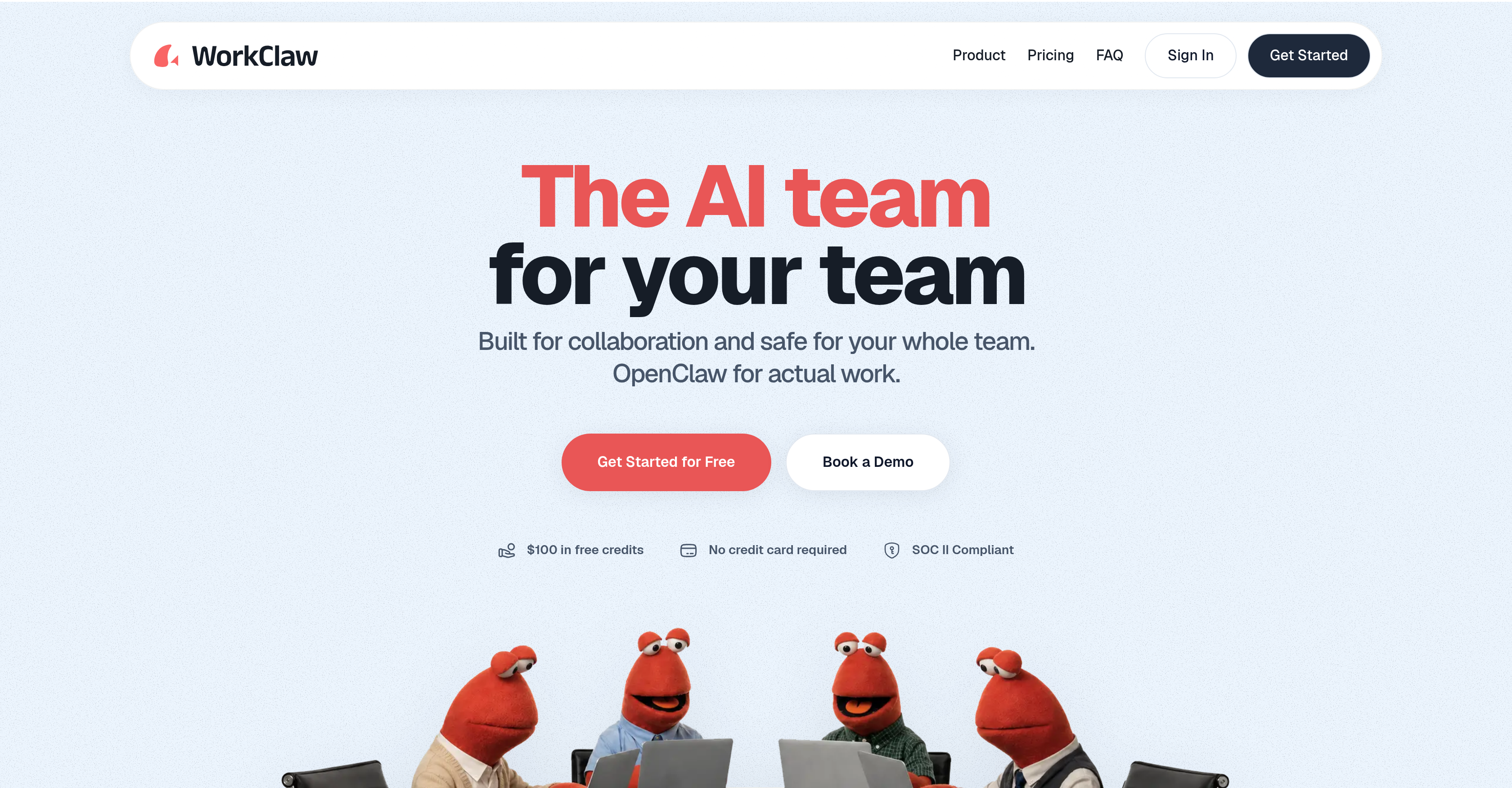
- Eliminate manual tasks like email drafting, follow-ups, and data entry while your team focuses on strategic work—each WorkClaw AI coworker executes tasks as described, running 24/7 on a dedicated cloud system.
- Accelerate research, scheduling, and reporting without switching tools—each WorkClaw synchronizes with over 3000 applications including Slack, Google Workspace, and CRM platforms.
- Scale team output instantly without adding headcount—set up multiple WorkClaws in minutes, each with its own isolated cloud environment, no on-site hardware needed.
- Turn your team’s unique workflows into reusable skills that anyone can deploy—skills created by one member become available to the whole team, accelerating collaborative learning.
- Keep sensitive data protected with isolated environments and admin-controlled access—each WorkClaw operates in a separate system, with a secure vault requiring human approval for credentials and SOC 2 Type II certification.
- Avoid the setup and security headaches of complex AI platforms—WorkClaw offers battle-tested skill packs and a user-friendly interface, making team automation simple and safe.
Pros & Cons
Pros
- Boosts team productivity
- Automates workflows
- Full customizability
- Cloud-based operation
- Synchronizes with 3000+ apps
- Always at work 24/7
- Executable task learning
- Tasks include scheduling, reporting
- Promotes skill sharing
- Strict data security
- Isolated data environments
- Setup simplicity
- Integrates with OpenClaw
- Mitigates customization complexities
- Handles research and follow-ups
- User controlled data sharing
- Multi-platform integration
- Responsive performers
- Supports collaborative learning
- Utilizes member's skills
- One-click setup
- SOC II Compliant
- WorkClaw has separate computers
- Connects with Slack
- Proactive work completion
- Turn tasks into custom skills
- Comes with skill packs
- Secure credential storage
- Separate file storage for each WorkClaw
- Train WorkClaw to fit company
- Share skills with team easily
- Admin control over access
- Data entry capabilities
- Drafts emails
- Separate computer for each WorkClaw
- Connection to multiple popular tools
- No need for personal hardware
- Cloud-only functionality
- Battle-tested skill packs
- Secure, easy-to-use platform
- No experimentation needed
- Immediate value delivery
- Built on OpenClaw technology
Cons
- Multiple WorkClaws setup needed
- Communication reliant on Slack
- Requires constant workflow description
- Limited pre-built workflow library
- Custom skill creation required
- Not easily shareable by default
- No local machine installation
- Dependent on OpenClaw platform
- Data isolation may limit functionality
- Requires continuous learning for efficiency
Reviews
Rate this tool
Loading reviews...
❓ Frequently Asked Questions
WorkClaw is a custom, collaborative AI tool designed to boost team productivity. They are named as 'WorkClaws', and each functions on a separate, cloud-based system that is proactively at work 24/7. WorkClaw coordinates with over 3000 applications, performing multiple tasks such as research, scheduling, and emails, among others. It also allows for collaborative learning and skill-sharing among team members.
WorkClaw enhances team productivity by automating and digitizing workflows in a manner that suits the team's needs. It reduces manual work, allowing team members to focus on other tasks. By being 'at work' all times, it ensures continuous execution of tasks. It also enables skills created by one team member to be used by others, promoting collaborative learning.
WorkClaw can automate tasks such as research, scheduling, drafting emails, follow-ups, reporting, and data entry. It executes tasks as described by the team, improving efficiency and maintaining consistency.
WorkClaw integrates with other applications through its cloud-based system, which can synchronize with over 3000 applications. These include widely-used tools such as Slack, Google Workspace, and many Customer Relationship Management platforms.
Yes, WorkClaw is designed specifically to work 24/7. This constant operation ensures that tasks keep getting executed even while team members are engaged in meeting, eating, sleeping and other activities.
WorkClaw learns to execute tasks as the team describes them. This is achieved through AI learning and collaborative learning. When the team creates a workflow, WorkClaw adapts and learns, becoming more efficient over time.
Yes, skills created by one team member on WorkClaw can be used by others. This facilitates skill-sharing while keeping the learning within the team, promoting a more collaborative approach to work.
Data security is a top priority for WorkClaw. All data is kept in isolated environments and can be shared based on user discretion. Features like admin controls for access and skill installations, and secure vaults requiring human approval for credentials offer enhanced security.
Yes, WorkClaw functions on a cloud-based system. Each WorkClaw has its own separate computer and operates fully in the cloud, eliminating any need for on-site hardware or installations.
WorkClaw is different from its foundational platform, OpenClaw, in a number of ways. While OpenClaw offers a powerful base, it often requires significant setup, customization, and safety considerations. WorkClaw mitigates these complexities and concerns, offering an easy-to-use and safe platform built specifically for teams.
WorkClaw can synchronize with over 3000 applications, including widely-used tools such as Slack, Google Workspace, and many Customer Relationship Management platforms.
Yes, WorkClaw can handle tasks like drafting emails and follow-ups. It allows for seamless management of communication and ensures that no critical correspondence is missed.
WorkClaw customizes workflows according to the team's needs or preferences. Utilizing advanced AI learning and skill-sharing, it enables any new skill or task described by the team to be integrated into the workflow.
Yes, WorkClaw can be used for reporting and data entry. It can automate these tasks, reducing errors and improving efficiency, freeing the team members for more strategic tasks.
The setup and customization process of WorkClaw is designed to be user-friendly. One can set up as many WorkClaws as they need in just a few minutes, all in the cloud. The platform also offers battle-tested skill packs that can be tweaked as per needs.
Yes, WorkClaw has multiplatform integration capabilities. It can collaborate over Slack, Teams, email, and synchronize with more than 3000 applications.
WorkClaw promotes collaborative learning by enabling the sharing and use of skills created by one team member by others. The tool also helps in turning the team’s workflows into custom skills via simple interactions.
With WorkClaw, users can share data at their discretion. Each WorkClaw operates in an isolated environment, accessing only what a user explicitly connects. The team members can choose to share their WorkClaw with specific people or the whole team, including adding them to Slack channels for messages.
WorkClaw offers numerous benefits in terms of teamwork, primarily through its functionalities of task automation and collaborative learning. By automating a range of tasks from simple to complex, WorkClaw frees up valuable time for team members, allowing them to focus on core strategic matters. It also fosters a culture of shared learning and efficiency.
WorkClaw offers multiple security features to ensure data protection. It keeps all the data in isolated environments and access is granted at the user's discretion. Other security features include admin controls for access, app integrations, and skill installations, along with a secure custom-built vault for credentials that requires human approval. It also boasts of having completed SOC 2 Type II certification.
Pricing
Pricing model
Free Trial
Paid options from
$29/month
Billing frequency
Monthly