
Swayclip
Overview
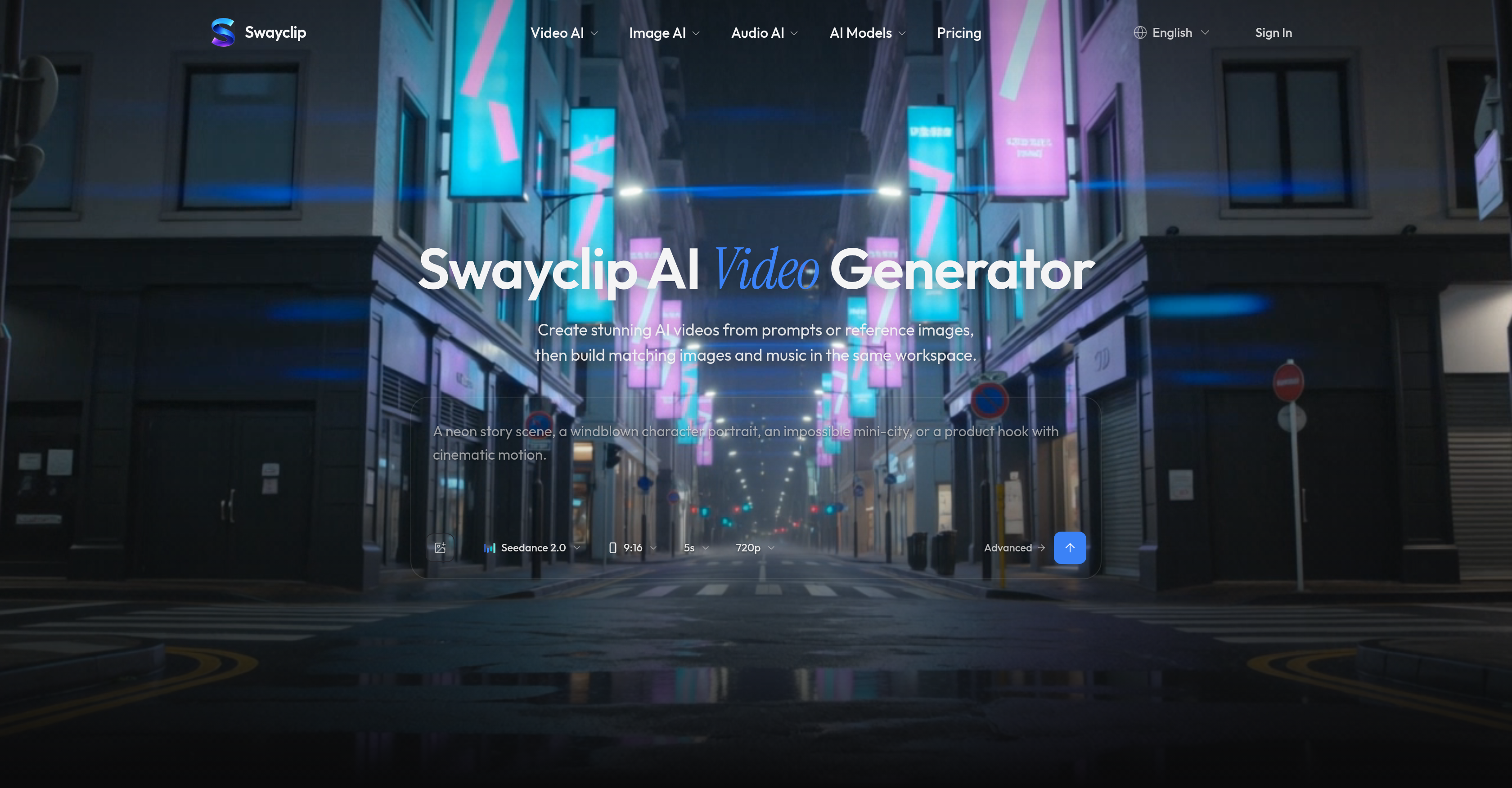
- Produce cinematic AI videos from simple prompts or reference images with the AI Video Generator
- Create professional product shots, posters, and concept art using multiple AI image models and refine uploads with text prompts
- Transform creative text prompts into ready-to-cut soundtracks with the prompt-to-music feature
- Manage and reuse all video, image, and audio assets in one workspace without switching between tools
- Preview real outputs before finalizing content to visualize results and make informed creative decisions
- Customize format, duration, and resolution to meet specific requirements for any media platform
- Control resource usage with transparent display of AI models and credit costs before every generation
- Work on commercial projects with full flexibility—from detailed scene descriptions to simple creative directions
Pros & Cons
Pros
- Browser-based platform
- Video, image, music generation
- User-friendly interface
- Adapts to multiple creative directions
- Quick turnaround on support
- Supports various formats, durations, resolutions
- Creates audio from text prompts
- Option to reuse assets
- Seamless content generation
- Credit cost transparency
- Facilitates decision-making process
- Generates cinematic videos
- Resource management feature
- Real-time outputs preview
- Unlimited scene creation
- Fast content generation
- Supports detailed or simple descriptions
- Enhanced content refinement options
- Model choice displayed before generation
- Supports commercial work
- Resource-efficient workspace
- Multi-model creative direction support
- Prompt-to-music feature
- Efficient asset generation and management
Cons
- Browser-based only
- No built-in collaboration features
- Limited format support
- Potential dependency on internet connection
- No offline functionality
- Resource-intensive processes
- No mention of data privacy
- No stated support for 4K resolution
- No clear way to export creations
Reviews
Rate this tool
Loading reviews...
❓ Frequently Asked Questions
Swayclip is an all-in-one AI-based creative workspace designed to generate videos, images, and music from user-driven prompts or reference images. It integrates multiple leading AI models in one browser-based workspace to deliver high-quality, nuanced outputs.
Swayclip uses AI models in its Video, Image, and Music Generators. These models take in user inputs, such as prompts or reference images, and generate high-quality creative outputs based on the given information. These models are integrated into a single workspace for ease of use.
With Swayclip, users can create a variety of media content. This includes generating cinematic videos, crafting and refining product shots, posters, and concept art, and transforming creative text prompts into music clips.
The AI Video Generator in Swayclip generates high-quality cinematic videos based on user inputs. It leverages advanced AI models that adapt to different creative directions provided by the user.
The AI Image Generator in Swayclip allows users to create and refine images, such as product shots, posters, and concept art. The system creates images based on user-driven prompts and provides an opportunity to refine the generated content.
Yes, music creation is a core feature of Swayclip. The platform's AI Music Generator transforms creative text prompts into music clips.
The AI Music Generator within Swayclip works by transforming creative text prompts into music clips. This feature is designed to generate soundtracks that are ready for integration into any video content.
Yes, Swayclip supports customization of format, duration, and resolution. These features are designed to accommodate a variety of user requirements and create content that meets specific needs.
Yes, Swayclip supports both text and image prompts. Users can generate content based on either form of input.
Swayclip provides quick turnarounds on support queries to enhance the user experience. Therefore, any issues or queries users may encounter are addressed efficiently.
Yes, Swayclip can be used for commercial work. It's designed to accommodate a variety of creative and commercial needs.
In Swayclip, the descriptions can be as detailed or as simple as the user wishes. There are no restrictions on the level of detail that can be included in the prompts.
With Swayclip, users can create any kind of scene. This flexibility allows for a wide range of creative expression, from simple scenes to complex and detailed settings.
Yes, Swayclip provides real outputs for users to view before creating content. This feature facilitates the user's decision-making process and helps them visualize the end result before the creation process begins.
Swayclip's user interface is designed for efficiency. It houses all tools in a single workspace, making it easy for users to access different features and create diverse content without having to switch between multiple platforms or tools.
Swayclip stands out from other AI creative platforms due to its all-in-one workspace, which integrates various leading AI models. This allows for a broad range of content creation, from videos and images to music, all in a single, efficient workspace.
Yes, Swayclip offers tools that are beneficial for graphic designers and content creators. These include its AI Video Generator, AI Image Generator, and AI Music Generator— all housed within a single workspace for optimal efficiency.
Swayclip integrates multiple leading AI models in its platform. The specific models aren't specified on their website.
Swayclip provides quick turnarounds on support queries, considerably improving the user experience by addressing their concerns swiftly.
While Swayclip was initially made for fast-moving creators, its comprehensive feature list and easy-to-use design make it suitable for anyone who needs an AI-powered media creation platform.
Swayclip's AI Video Generator works by transforming user prompts into cinematic videos. It adapts leading AI models into its space to cater to diverse creative directions. Using these advanced AI models, it tailors the content as per user requirements.
The AI Image Generator in Swayclip is designed to create various outputs such as product shots, posters, and concept art. It provides users with the freedom to refine uploaded images with user prompts within the workspace.
The AI Music Generator in Swayclip enables users to convert creative text prompts into ready-to-use music clips. The generated musical components can then be integrated into their videos in the workspace.
With Swayclip, you can create an array of content from cinematic AI videos, editorial and concept art images to ready-to-cut soundtracks. The platform enables you to generate, reuse, and manage video, image, and audio assets.
Swayclip shows real outputs to view before creating content. This feature facilitates users' decision-making process by providing them with an idea of what their generated content will look like.
While Swayclip is initially designed for fast-moving creators, its ease of use and comprehensive range of features make it suitable for anyone who needs an AI-powered media creation platform.
Swayclip supports differences in format, duration, and resolution to cater diverse content requirements for varied media platforms.
Swayclip is known to have a quick turnaround time on support queries, providing seamless user experiences.
Swayclip enables users to manage and reuse their generated assets efficiently within its browser-based workspace. This feature helps creators in resource management and seamless content creation.
'Prompt-to-music' is a unique feature of Swayclip that transforms short creative text prompts into ready-to-cut soundtracks. Users can utilize this feature to supplement creative direction for their videos.
In Swayclip, you can introduce your creative direction as detailed or as simple as you wish. This is applicable for scene descriptions and music needs based on which videos, images, and audio are created.
Yes, before the generation of content, Swayclip ensures users are aware of their resource usage by displaying AI models and credit costs.
Swayclip is targeted mainly at fast-moving creators. However, its ease of use and through range of capabilities make it ideal for anybody in need of an AI-powered media creation platform.
The purpose of the browser-based platform design of Swayclip is to provide a convenient and efficient user experience. Being accessible directly from the browser, it eliminates the need for any installation or storage issues while encouraging collaboration and ease of access.
Swayclip streamlines the content generation process by merging all the necessary AI tools in one place. It provides a single workspace for creators where they can generate, refine, and reuse multimedia assets while transparently keeping track of the resources used.
In Swayclip, users input their creative directions in the form of prompts. These can be used to generate videos, images, or even music. Users have flexibility as prompts can be as detailed or as simple as they wish.
Swayclip integrated leading video, image, and music models in its workspace. The exact models used are not provided in the available information.
Pricing
Pricing model
Free Trial
Paid options from
$9/unit
Billing frequency
Pay-as-you-go
Refund policy
Swayclip offers full refunds for new monthly or annual subscriptions within 7 days of purchase only if less than 10% of the plan’s credits have been used.