

Nexi - AI Co‑Host for Twitch & YouTube Streamers
Overview
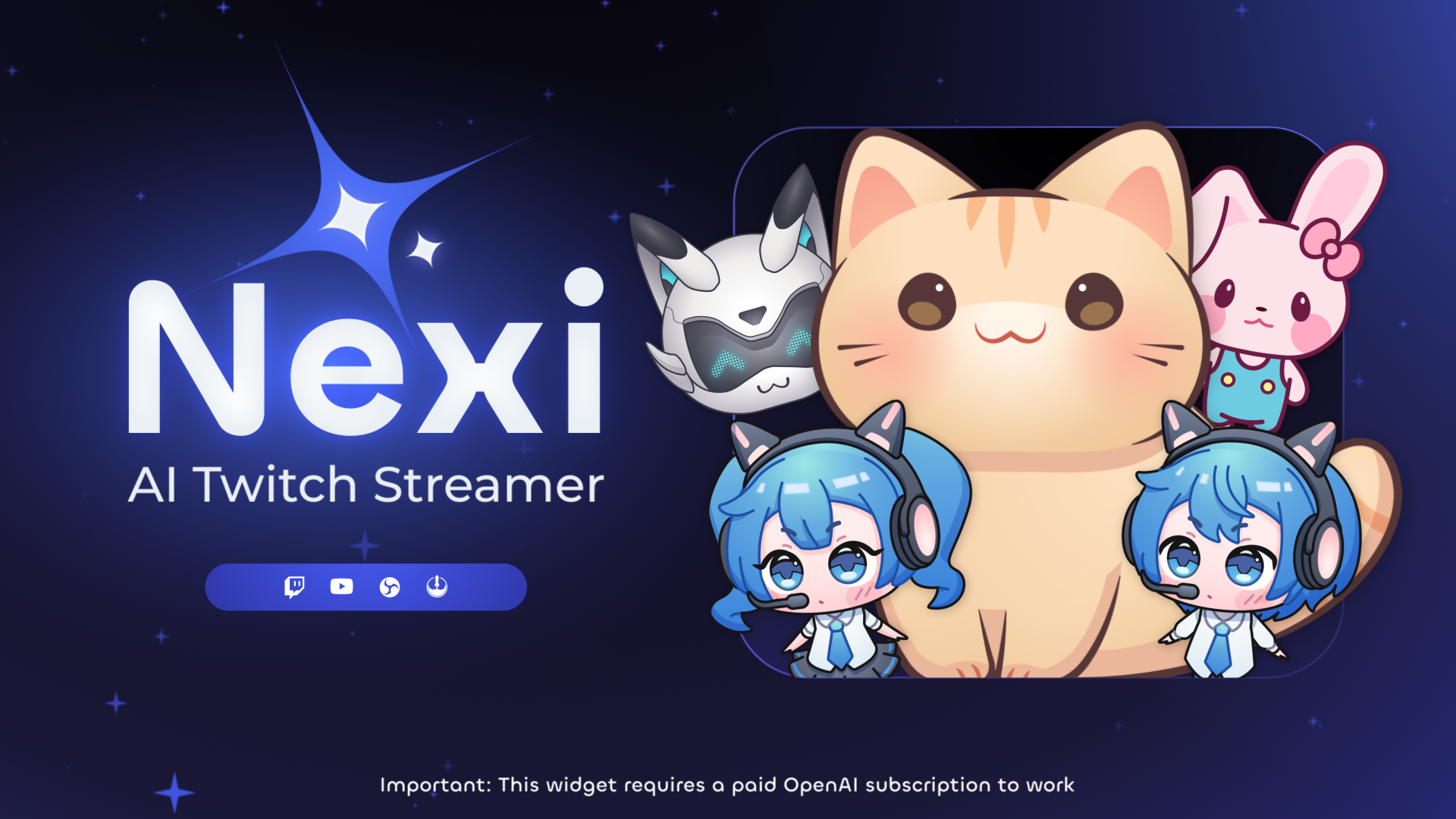
- Eliminate awkward silent moments with automated chat responses that keep conversations flowing continuously
- Create genuine interactive moments by talking to your AI co-host through your microphone for natural back-and-forth dialogue
- Increase donation engagement with personalized celebration reactions that make supporters feel appreciated and encourage more tipping
- Maintain full cost control by connecting your existing AI service accounts with no markup or hidden fees
- Set up in minutes without technical expertise using the lightweight browser-based widget that integrates directly with your streaming platform
- Prevent chat spam with customizable cooldowns and authorization levels that limit commands to subscribers or moderators
Pros & Cons
Pros
- Multi-language Support
- 206 Free Voices
- 20 Premium Voices
- Microphone Interaction Mode
- Toggle TTS On/Off
- Premade Character Images
- Custom Image Upload
- Animation Settings
- Context-Aware Responses
- Creative Response Tuning
- Donation Reaction System
- Direct Chat Responses
- Command Permissions
- Command Cooldowns
- TTS Features
- Real-time Interaction
- Voice Synthesis
- Character Design
- StreamElements Compatibility
- Works with all streaming software
- Interactive Co-host
- Amplifies Audience Engagement
- Transformative Content Creation
- Virtual Host
- Chatbot
- Voice Assistant
- Monetization
- Reaction System
- Setup Guide
Cons
- No source files provided
- Non-refundable purchases
- Limited free voices
- Needs StreamElements to operate
- No API for external use
- Setup guide required
- Custom image upload limitations
- Donation reaction system limited
- No multilingual support for all features
Reviews
Rate this tool
Loading reviews...
❓ Frequently Asked Questions
Yaroslav Melnyk
🛠️ 1 tool
wrote:Not necessarily. Nexi itself is free to use, but to unlock full AI and voice capabilities, you’ll need accounts with OpenAI and ElevenLabs - actual usage costs are extremely low (usually just a few cents per stream). If you skip these services, Nexi can still function as a basic TTS widget using free StreamElements voices.
Yaroslav Melnyk
🛠️ 1 tool
wrote:Yes. If you don’t connect OpenAI, Nexi won’t generate text replies — it will only read out messages using the !say command. And if you skip ElevenLabs, it will default to StreamElements’ free TTS voices.
Yaroslav Melnyk
🛠️ 1 tool
wrote:Your JWT token is required to let Nexi send messages to your chat and power microphone interactions. It’s only stored locally in your browser and never shared externally.
Yaroslav Melnyk
🛠️ 1 tool
wrote:Costs depend on how many messages Nexi processes and which model you use. For most users, costs are around $0.01–$0.02 for 1,000 interactions — making it one of the most affordable AI integrations available.
Yaroslav Melnyk
🛠️ 1 tool
wrote:Nexi works on both! Just make sure you install the correct widget file for your platform (Twitch or YouTube) and follow the same setup instructions.
Yaroslav Melnyk
🛠️ 1 tool
wrote:Yes! You can enable Auto Mode, which lets Nexi respond to every chat message from authorized users without needing a trigger command.
Yaroslav Melnyk
🛠️ 1 tool
wrote:Head to aicompanion.kudos.tv, enter your JWT token, and grant microphone access. When you say your trigger word (like “Hey Nexi”), it’ll transcribe your voice and send it to the AI in real-time.
Yaroslav Melnyk
🛠️ 1 tool
wrote:You can set cooldowns and authorization levels for each command. For example, you can limit !ask to subscribers or mods, and prevent overuse with time-based cooldowns.
Pricing
Pricing model
Paid
Paid options from
$16
Billing frequency
One-time
Refund policy
No Refunds
















