Overview
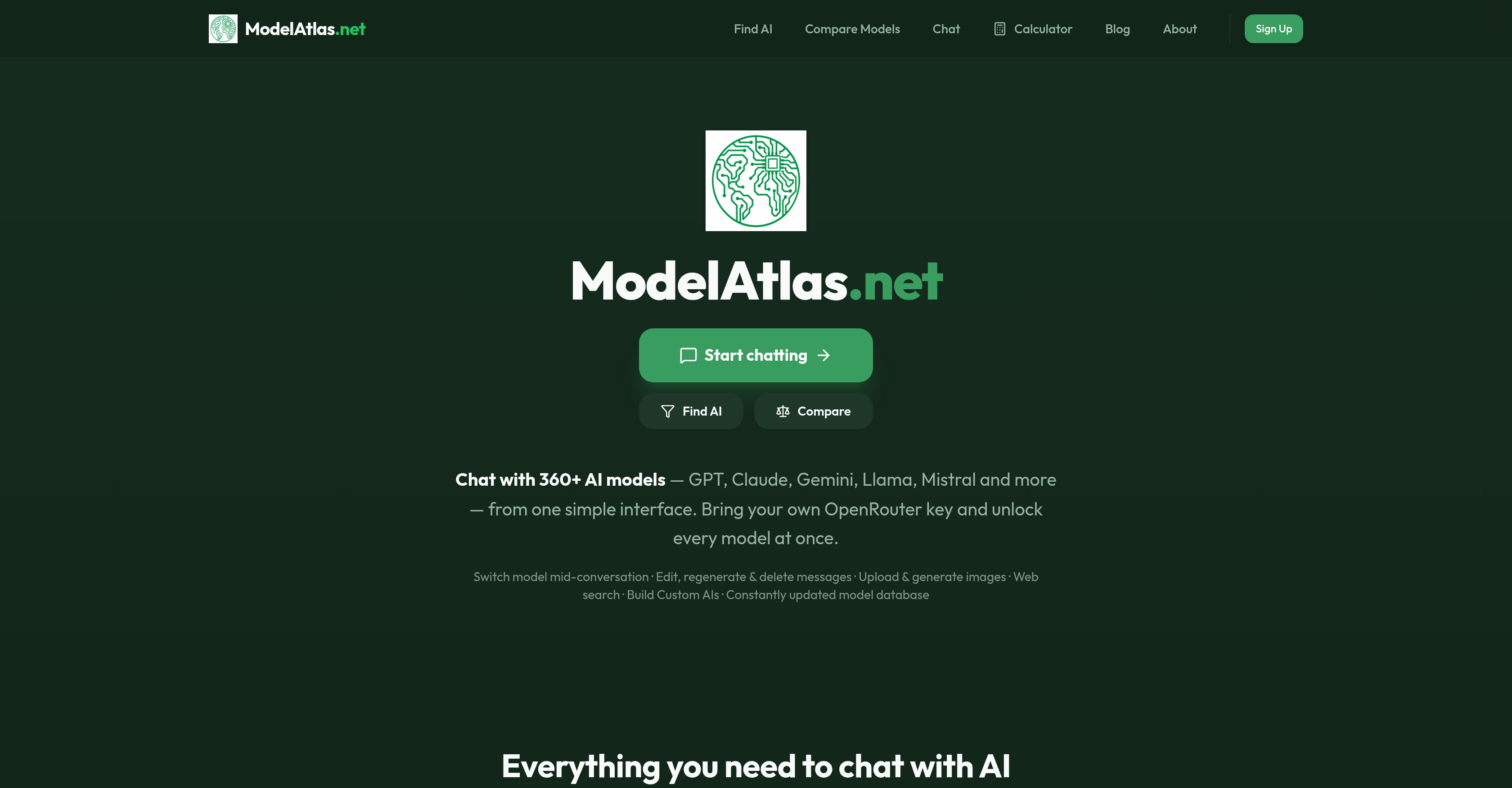
- Chat with over 360 AI models like GPT, Claude, Gemini, Llama, Mistral, DeepSeek, and Qwen from a single interface—eliminating the need to juggle multiple apps and subscriptions.
- Switch between any AI model mid-conversation without restarting, keeping your workflow continuous and fluid.
- Edit, regenerate, or delete any message—user or AI-generated—to refine every response exactly as needed.
- Upload images for vision-capable models to analyze visuals or generate new images on command.
- Search the web directly within the chat on supported models, pulling live information without leaving the conversation.
- Build a custom AI by saving a system prompt, attaching knowledge files, and selecting a default model for tailored interactions.
- Filter the model database by price, context window, capability, and modality to instantly find the best model for each task.
- Access a constantly updated model database that adds new releases as they ship, ensuring you always use the latest AI.
- Bring your own OpenRouter API key (BYOK) to unlock all models at once with no additional subscriptions.
Pros & Cons
Pros
- Instant model switching
- Supports image generation
- File and image upload
- Web search in chat
- Saved prompts and knowledge files
- Updated database of models
- Fully mobile-optimized interface
- Bring your own OpenRouter key
- No need for restarting chat
- Message control: edit, regenerate, delete
- Supports visually-capable models
- New model releases added
- Simplicity of user interface
- Operates in Javascript-enabled browsers
- Interface free from distraction
- Flexible model selection
- Start chat with OpenRouter key
Cons
- Requires OpenRouter API key
- No offline usage
- Dependent on JavaScript
- No standalone application
- Limited to OpenRouter models
- BYOK could be complex
- No multi-window interface
- Limited image generation options
- Database updates could cause instability
Reviews
Rate this tool
Loading reviews...
❓ Frequently Asked Questions
ModelAtlas is a comprehensive tool designed to enable users to interact and converse with a wide range of Artificial Intelligence models from a unified interface. It allows for seamless model switching during a conversation, text editing, regeneration or removal, uploads for vision AI model analysis, image generation, in-chat web search, and opportunity for users to build their own Custom AI.
ModelAtlas currently supports over 360 AI models.
In the context of ModelAtlas, an OpenRouter API key allows users to unlock and interact with all the registered models at once.
ModelAtlas provides a unique facility to switch between different AI models during a conversation without requiring a reset, thereby allowing continuous conversation flow.
Yes, ModelAtlas allows users to edit, regenerate or erase any message, whether it comes from the user or the AI.
ModelAtlas harnesses capabilities of vision-oriented AI models providing an option to upload photos for analysis and also supports models designated for image-generating purposes which can create unique visuals upon command.
In ModelAtlas, the in-chat web search feature functions on select models enabling users to search the web directly within the chat.
ModelAtlas offers users the facility to build Custom AI with Prompt. This allows users to save system prompts, attach knowledge files and select a default model for their custom AI.
The ModelAtlas platform keeps up with the latest in AI technology by regularly updating its model database with newly released models as they ship.
AI models on ModelAtlas are filterable based on parameters such as price, context window, the model's specific capability and modality.
Through ModelAtlas, users can access a wide range of AI models such as GPT, Claude, Gemini, Llama, Mistral, DeepSeek, Qwen and more.
Yes, ModelAtlas is accessible on any JavaScript-enabled browser.
ModelAtlas presents a minimalist, distraction-free user interface for easy use and navigation.
In ModelAtlas, the Prompt feature enables you to build a custom AI. You can save a system prompt, attach knowledge files and pick a default model.
In the context of ModelAtlas, a context window refers to a filterable parameter that users may utilize while interacting with the platform’s AI models.
In terms of ModelAtlas, capability refers to what a specific AI model can do or its functionalities whereas modality refers to the way these functionalities are manifested or delivered.
In ModelAtlas, knowledge files can be attached when building a custom AI with the Prompt feature. These files play a role in shaping the responses of your custom AI.
In ModelAtlas, 'bring your own OpenRouter key' means that users are required to possess their own OpenRouter API key, which allows them to unlock and access all 360+ models at once.
Yes, ModelAtlas does feature image generation. Models that are designed for image-generating purposes can create unique visuals on command.
In the context of ModelAtlas, 'BYOK' stands for 'Bring Your Own Key', referring to users leveraging their own OpenRouter API key to unlock all the AI models.
ModelAtlas is a versatile platform that provides access to chat with over 360 AI models in one place. It features instant model switching, image generation support, file and image uploads, AI web search support, custom AI creation with saved prompts and knowledge files, an updated AI model database, a model discovery system, and a minimalistic, mobile-optimized interface.
In ModelAtlas, you can instantly switch between models like GPT, Claude, Gemini, DeepSeek, Qwen, Llama, Mistral and others without needing to switch platforms or restart chats. This is enabled by the use of your own OpenRouter API key, in a feature called 'BYOK'.
Yes, ModelAtlas supports image generation. With models that are capable of visual processing or image generation, you can generate images right on the platform.
Yes, ModelAtlas supports the upload of files and images. It can handle uploads to models that are equipped with the capacity to process visual information.
Yes, ModelAtlas provides web search support. This means that you can carry out web searches directly from the chat interface on models that support this capability.
Creating a custom AI on ModelAtlas involves saving a system prompt, attaching knowledge files, and picking a default model. This feature provides you with a more tailored interaction experience with the AI models.
The AI model database of ModelAtlas is constantly updated. This means that the platform continually includes new AI models as they are released.
'Find AI' in ModelAtlas is a model discovery system. It allows you to sort through more than 360 AI models using filters for price, capabilities, context window, and modality. This makes it easier to find the model that best suits your requirements.
Yes, ModelAtlas is fully mobile-optimized. This means that the platform can be accessed and comfortably used on mobile devices.
Yes, ModelAtlas can be used without having to juggle multiple apps and subscriptions. It provides direct access to the modern AI ecosystem without the need for such complications.
Yes, you can bring your own OpenRouter API key to ModelAtlas. This feature, known as 'BYOK', allows you to unlock and access all the available models on the platform.
BYOK stands for 'Bring Your Own Key'. In the context of ModelAtlas, it refers to bringing your own OpenRouter API key which unlocks access to all the available models on the platform.
Yes, ModelAtlas offers a high level of conversational control. This extends beyond the ability to switch between models in a conversation without restarting, you can also edit, regenerate, or delete any message, whether user-created or AI-generated.
Yes, ModelAtlas supports image processing. Users can upload images to models that are capable of visual processing. The platform will then use the appropriate AI model to process and understand the uploaded image.
The web search capability of ModelAtlas allows you to conduct web searches directly from the chat interface on models that support this feature. This can make information acquisition much more efficient during AI interactions.
You can filter models in ModelAtlas through the 'Find AI' feature. This system allows you to filter the more than 360 available models by criteria such as price, context window, capability and modality.
Yes, the interface of ModelAtlas is user-friendly. It is designed for simplicity, freedom from distraction and can be accessed using a JavaScript-enabled browser.
ModelAtlas supports a multitude of AI models. These include but are not limited to GPT, Claude, Gemini, Llama, Mistral, DeepSeek, Qwen and many others.
JavaScript is required for using ModelAtlas as it was designed to operate in any JavaScript-enabled browser. It aids in ensuring seamless communication with AI models and unlocking full access to all the features of ModelAtlas.
Yes, in ModelAtlas you can delete or regenerate any message in the chat interface. This applies to both user-created and AI-generated messages, giving you a greater level of control over your conversation flow.
Pricing
Pricing model
Freemium
Paid options from
Free tier available
Billing frequency
Pay-as-you-go