

LivePhotoLab
Overview
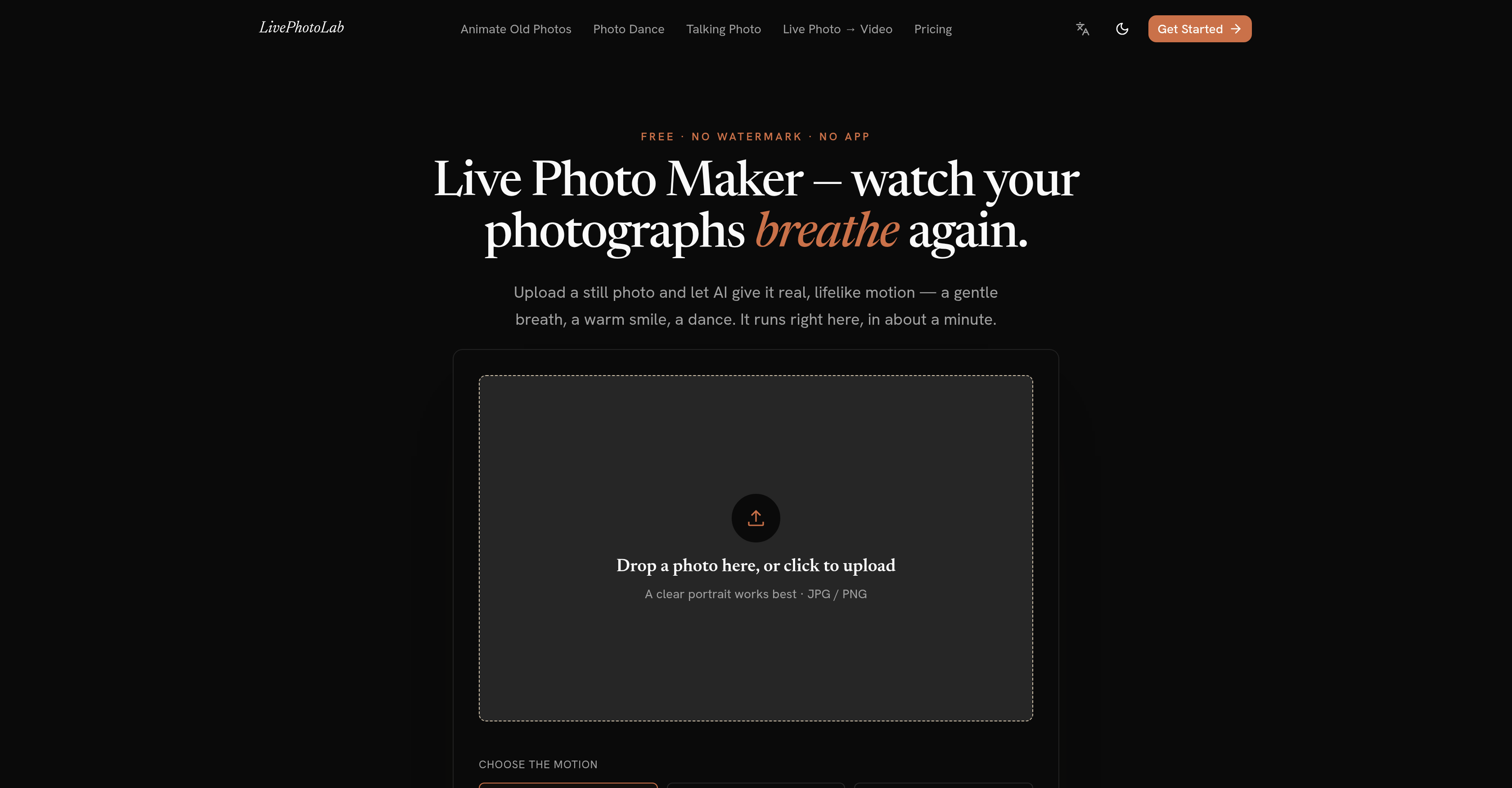
- Bring any still photo to life with realistic AI-generated motion like gentle breathing, warm smiles, or dance using LivePhotoLab's AI photo animation engine
- Make old family portraits move again with the Animate Old Photos feature, which applies restrained, natural motion tuned specifically for vintage and damaged images
- Create shareable dance clips from any picture using the Make Photo Dance tool, turning static shots into fun, viral-ready video content
- Make any portrait speak your typed message with perfect lip-syncing through the Talking Photo Maker, ideal for personalized messages and engaging social posts
- Convert Live Photos into clean MP4 video files instantly with the built-in Live Photo to MP4 converter that runs entirely in your browser
- Export watermark-free, high-quality MP4 files ready for social media, messaging, or archiving without any branding overlays or editing cleanup
- Start creating AI animated photos on iPhone, Android, Windows, or Mac with zero software installation, since everything runs directly in your web browser
- Protect your privacy while animating photos, as uploaded images are used only to generate your video and nothing else
- Get your first few AI photo animations free upon signing up, letting you test talking photos, dancing clips, and old photo restoration before paying
- Avoid wasted credits on failed outputs, since LivePhotoLab automatically refunds failed generations with no support ticket required
Pros & Cons
Pros
- Animate old photos
- Create shareable dance clips
- Talking Photo Maker
- Perfect lip-syncing
- Converting Live Photo to video
- Ensures users' data privacy
- Cross-platform compatibility
- No software installation required
- Generates watermark-free MP4 files
- Free video trials
- User-friendly interface
- Quick and simple process
- Online functionality
- Motion style personalization
- Prompt delivery of results
Cons
- Limited free videos
- Paid packages after trial
- Optimized for portraits
- Dependent on photo quality
- No App version
- Requires Internet connection
- No advanced editing options
- Doesn't support all image formats
Reviews
Rate this tool
Loading reviews...
❓ Frequently Asked Questions
LivePhotoLab is an online AI tool capable of animating and adding lifelike motion to still photos, such as a gentle breath, warm smile, or dance.
LivePhotoLab animates still photos by generating genuine AI-powered movements, thus producing dynamic images from static ones. It goes beyond simple panning and zooming techniques to offer real, lifelike motion effects.
Yes, LivePhotoLab includes an 'Animate Old Photos' function that allows users to revive old family portraits by adding motion to them.
The 'Make Photo Dance' feature of LivePhotoLab allows users to insert any photo into a fun, shareable dance clip. It's a unique function that can add a delightful amusing element to your images.
The 'Talking Photo Maker' feature in LivePhotoLab allows users to type a message that the subject of their photo will appear to speak. The AI ensures that the photo syncs perfectly with the spoken phrases, thus making the image appear to talk.
Yes, one of the functionalities of LivePhotoLab is its ability to convert a Live Photo into video format. It essentially transforms the animated Photo into a high-quality MP4 file.
No, LivePhotoLab does not compromise users' data privacy. Photos uploaded to LivePhotoLab are used solely for generating the video and no other purpose.
LivePhotoLab can be used on a variety of platforms directly from a web browser. These include iPhone, Android, Windows, and Mac.
To generate animations with LivePhotoLab, a user only needs to upload their photo, choose the type of motion they desire, and then download the resulting animated image.
No, you do not need to install any software to use LivePhotoLab. All its tools and features run directly in the web browser.
The generated files from LivePhotoLab come in MP4 format. The files are of high-quality, ready for uploading, and sharing.
No, there are no watermarks on the MP4 files generated by LivePhotoLab. All MP4 files produced are clean and watermark-free.
Yes, LivePhotoLab offers new users a certain number of free videos upon signing up.
LivePhotoLab has been designed with a user-friendly interface to make it simple to use. The platform's use requires just a few steps: upload, choose a motion style, and download the result.
You can personalize photos using LivePhotoLab by choosing from a range of motion styles. You can make your photos look like they're breathing, smiling, or even dancing. Additionally, you can add your own message with perfect lip-syncing using the 'Talking Photo Maker' feature.
Yes, LivePhotoLab can be used on a mobile device. It is designed to operate on various platforms such as iPhone and Android.
Yes, with the 'Talking Photo Maker' feature of LivePhotoLab, you can make your photo talk. Simply type your message and watch as the AI makes your photo lip-sync to it.
Yes, with the 'Animate Old Photos' feature, you can restore life to old or damaged family photos by adding gentle, lifelike movement to them.
LivePhotoLab helps in the digital transformation of photos by turning still images into dynamic, high-quality MP4 videos with lifelike motion. Whether it's old photos or new, LivePhotoLab can animate any image you have!
Apart from animating photos, making photos dance, and generating talking photos, LivePhotoLab also offers the functionality of converting a Live Photo into an MP4 format. All these features add fun and personalization effects to your images.
Pricing
Pricing model
Free Trial
Paid options from
$9.90
Billing frequency
One-time







































