Overview
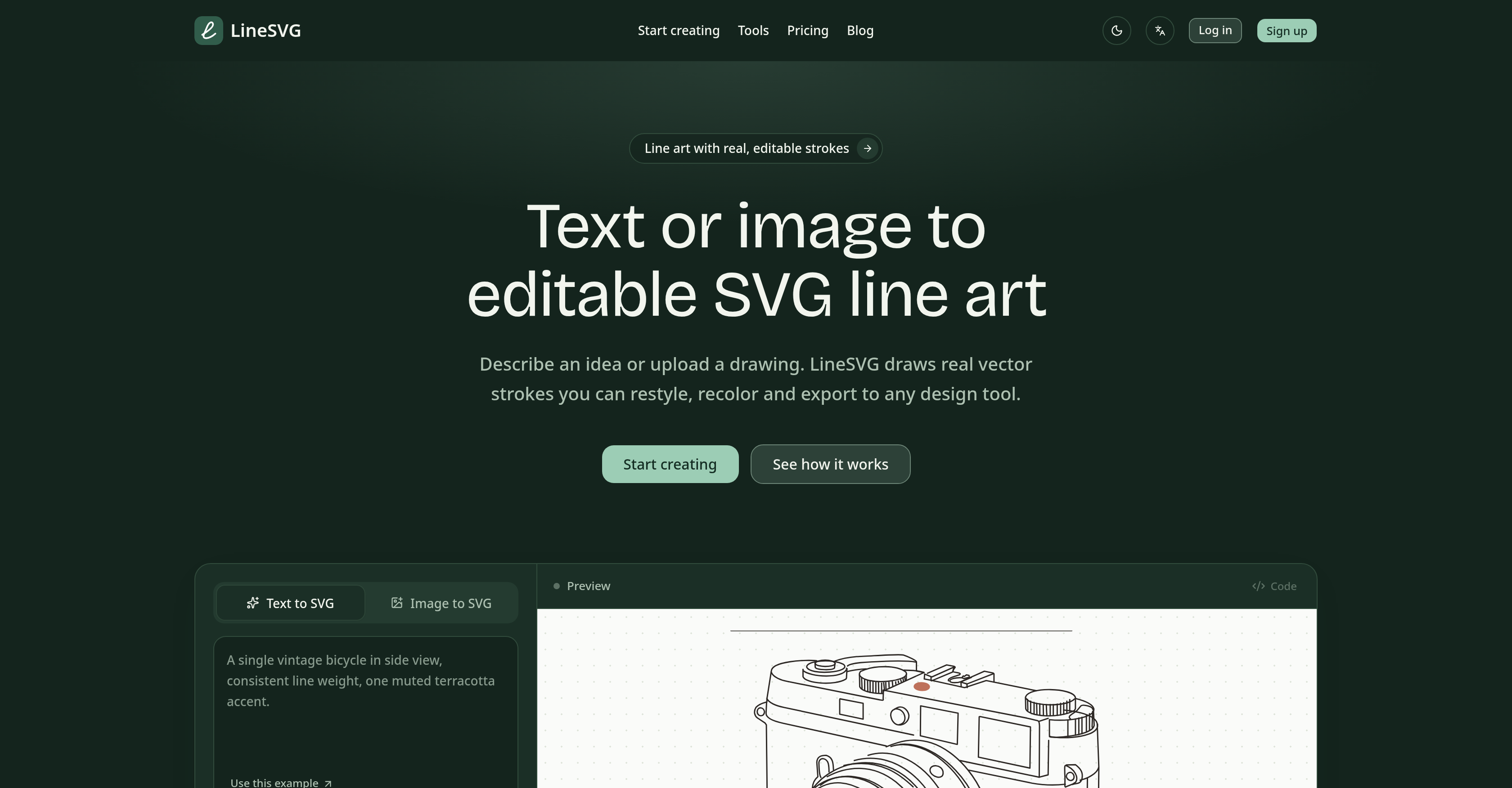
- Create editable SVG line art from any text description and refine every stroke after generation using the AI Line Art Generator with real vector strokes
- Convert images into clean SVG line art without pixel tracing, then adjust stroke weight, color, and dashes post-generation with the Image to SVG Converter
- Maintain full control over your final design by modifying stroke weight, color, and dash patterns after the SVG is generated thanks to strokes stored as actual lines rather than filled shapes
- Watch your SVG line art take shape in real time and catch issues early with live path stream generation that shows paths appearing on the canvas as the AI produces them
- Keep your entire line art workflow in one place using six specialized tools for different outputs, eliminating the need to switch between separate apps
- Download your finished work as SVG or PNG, or copy the generated code directly, giving you the format that fits your project
- Move generated files straight into Figma, Illustrator, or Inkscape for further refinement with full compatibility across these design tools
Pros & Cons
Pros
- Editable SVG line art
- Real vector strokes
- Post generation editing
- Width, color, dashes adjustable
- Live path stream generation
- Stroke weight control
- Downloadable SVG or PNG
- Text to SVG conversion
- Image to SVG conversion
- One-workspace solution
- Retains stroke properties post-generation
- Line art generation services
- Line art based on descriptions
- Compatible with Figma
- Compatible with Illustrator
- Compatible with Inkscape
- Various design tools compatibility
- Lines stored as strokes
- Iteration friendly design
- Interactive line art
- Lines remain adjustable post-conversion
- Verbal idea to line art
- Colored strokes remain adjustable
- Strokes embeddable in code
- Clean SVG or PNG export
- Path generation
- Photo to editable lines
- Generate strokes, not filters
- Watch drawing completion
- Tools by scenario
- From idea to editable SVG
- Convert drawing into vector paths
- Turn hand-drawn sketch into vectors
- Minimalist one line drawing
- Botanical line art
- Describe to generate line art
- Photo to clean vector art
- Editable lines and cut-ready shapes
- Color layers
- Adjustable output aspect ratios
- Provides multilingual support
- Generation history
- Saved versions
- No daily generation limits
- Stroke reset option
- Live preview of creations
- Supports PNG, JPG, WebP formats
- Strokes are editable in exported files
- Compatible with any SVG editor
Cons
- Limited file upload formats (PNG, JPG, WebP)
- Maximum 20MB file size allowed
- Requires credits for generations
- Requires frequent purchases (e.g., credits)
- Cannot use without signing in
- Generations use fixed credits
- Failed tasks refund credits only
- Not ideal for detailed images
- Mostly relies on plain backgrounds
- Proportions/details may shift on conversion
Reviews
Rate this tool
Loading reviews...
❓ Frequently Asked Questions
LineSVG is an AI-powered tool that transforms text or images into editable SVG line art. It's capable of generating real vector strokes that can be recolored and restyled, and it even provides the option to adjust the width, color, and dashes after the generation of SVG. Users can download the generated SVG or PNG, or copy the code. LineSVG provides a variety of tools optimized for different outputs, facilitating a one-workspace solution.
The AI Line Art Generator feature of LineSVG works by interpreting the user's input, either a textual description or an image, to generate vectorized line art. This AI-powered tool draws real vector strokes, which can be restyled or recolored by the user. These vector strokes are stored as strokes, not as filled shapes, allowing the user to refine the stroke weight, color, and dash pattern post-generation.
LineSVG employs an AI technology to turn images into editable, clean SVG line art. It reinterprets the image as vector strokes instead of tracing every pixel. These strokes can later be adjusted for stroke weight, color, or dashes, offering a high level of control over the final output. The result is strokes that can be modified post-generation for continued design refinement.
What sets LineSVG apart from other SVG converters is its ability to store its lines as strokes rather than filled shapes. This feature allows adjustments in weight, color, and dashes after the generation of the SVG. Additionally, LineSVG offers unique features such as live path stream generation, providing the users with a real-time view of the SVG being created. Its output results are compatible with various design tools such as Figma, Illustrator, and Inkscape, allowing further refinement of generated files.
LineSVG provides a unique stroke adjustment feature whereby strokes are stored in the output SVG as individual lines, not filled shapes. This method allows users to make alterations to stroke weight, color, and dash style even after the SVG has been generated. This flexibility offers users significant control over the final design's visual appearance.
Yes, LineSVG does allow editing after SVG generation. Once the SVG or PNG is generated, the user can adjust the stroke's weight, color, and dashes. The files produced by LineSVG are fully compatible with other design tools such as Figma, Illustrator, or Inkscape for further refinement and editing.
In LineSVG, users can adjust the stroke weight, color, and dashes after the SVG has been generated. The tool's interface provides controls to adjust these properties, providing users with significant control over the final output. This level of customization permits the precise styling of lines as per the user's design requirements.
The live path stream generation feature in LineSVG works by streaming the paths onto the canvas as they are produced by the AI. It gives users the ability to view live how the SVG is being created, offering a chance to judge the result early and make adjustments as required.
LineSVG allows users to download their work in SVG or PNG formats. This provision gives them the flexibility to choose the format that suits their project needs best. Additionally, LineSVG also offers the option to copy the generated code directly.
Yes, LineSVG has the capability to create line art from a textual description provided by the user. The Line Art Generator feature takes a description of an idea as input, and uses AI technology to generate corresponding line art with adjustable strokes.
LineSVG stores lines and strokes as actual strokes, not as filled shapes. This approach allows users to adjust the weight, color, and dashes of these strokes after the generation of the SVG, providing a high level of flexibility, customization, and control.
You can take the generated files from LineSVG into various other design tools for further refinement. The generated SVG or PNG files are fully compatible with popular design tools like Figma, Illustrator, or Inkscape.
Yes, the files generated by LineSVG are fully compatible with Figma, Illustrator, and Inkscape. This compatibility allows for easy importing and further refinement of the SVG files in these popular design tools.
LineSVG is optimized for different user scenarios by offering six different tools, each designed for a different output. This range of tools, designed for various outputs, ensures a versatile solution for a wide array of SVG line art generation and image conversion tasks.
Yes, LineSVG does provide a one-workspace solution. It has six tools, including an AI Line Art Generator and Image to SVG Converter, that allows users to operate within a single workspace while working on a variety of outputs, resulting in a streamlined and enhanced user experience.
The 'Image to Line Art' feature in LineSVG works by taking an image as an input and converting it into line art. The complex AI technology reinterprets the image as clean vector strokes without tracing every pixel, resulting in a line-art rendition of the original image that can be further adjusted for stroke weight, color, or dashes.
Yes, LineSVG can convert text into SVG line art. It takes a text description as input and translates it into corresponding SVG line art through its advanced AI technology, creating real vector strokes which can be restyled and recolored.
The benefits of using LineSVG over other available tools include the ability to create real, editable strokes as opposed to filled shapes. It also allows post-generation modifications in terms of stroke weight, color, and dashes. LineSVG offers unique features like live path stream generation. Another significant benefit is its compatibility with other design tools like Figma, Illustrator, and Inkscape, which allows further design refinement.
Yes, LineSVG offers the functionality to manipulate the width, color, and dashes of the lines post-generation. Once the SVG or PNG formats are generated, the user can adjust these elements as needed, providing notable control over the resulting design.
The unique features of LineSVG include its ability to convert text or images into editable SVG line art, creating real vector strokes. It also provides live path stream generation, which enables users to see the SVG being created in real-time. A significant feature is its storage of lines as strokes instead of filled shapes, allowing the stroke weight, color, or dashes to remain adjustable after generation.
Pricing
Pricing model
Free Trial
Paid options from
$50/month
Billing frequency
Monthly