ImgEnhancer.app
Overview
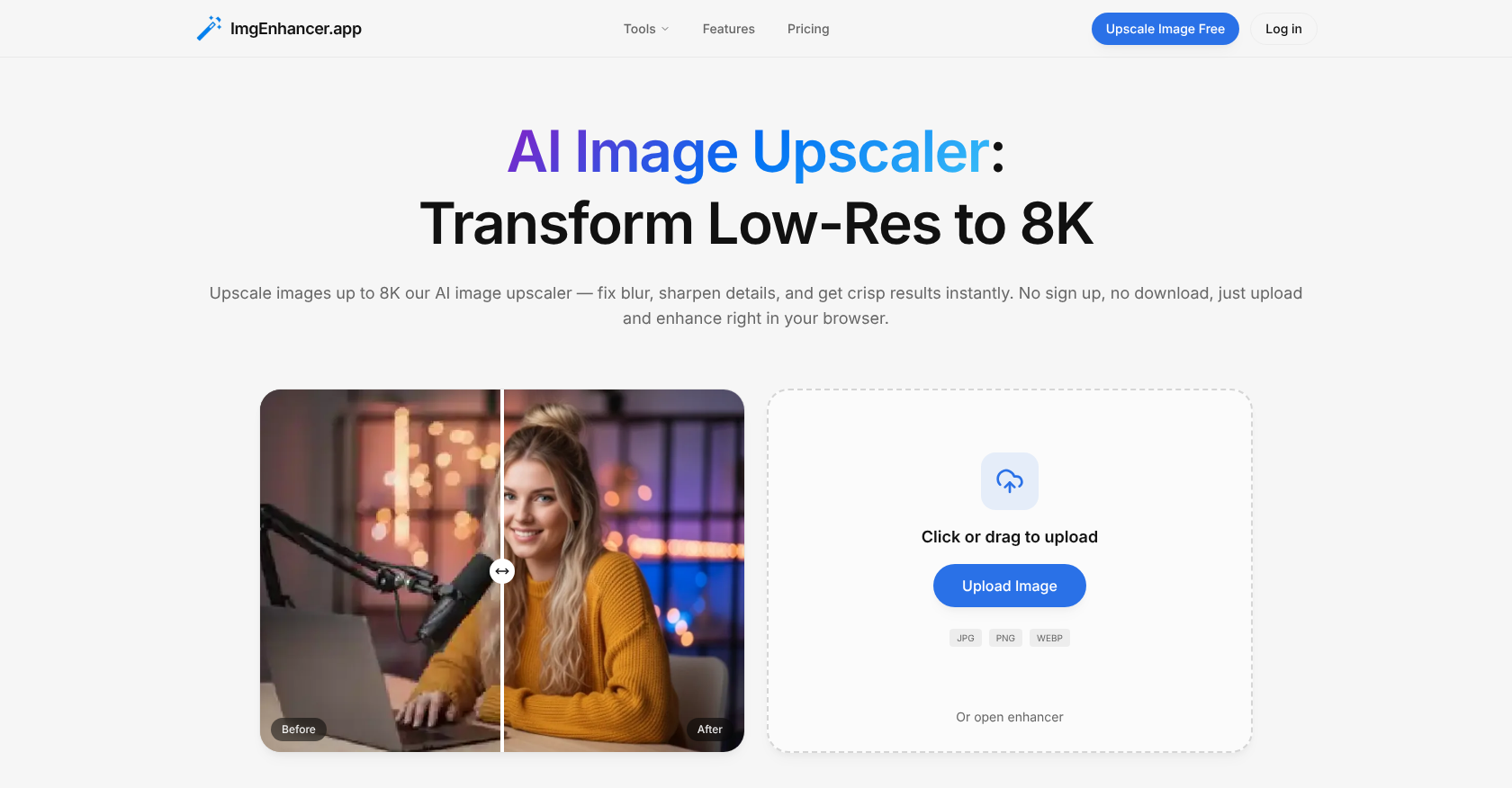
- Transform low-resolution images into crisp, high-quality 8K visuals ready for large-format prints or high-DPI screens with an AI pipeline that maintains natural edges and textures.
- Fix blurry photos and restore lost details in seconds with AI-powered sharpening and clarity restoration, directly in your browser with no software to install.
- Reduce image noise while preserving clean textures for professional product photography and real estate listings, enhancing buyer trust and conversion rates.
- Ensure your social media posts and thumbnails stay sharp after platform compression by upscaling images to withstand resizing, improving viewer engagement.
- Protect your work with automatic image deletion and a privacy-first process where files are never stored long-term or used for AI training.
- Export enhanced images instantly in JPG, PNG, or WEBP formats with a simple, skill-free interface—just upload, choose a mode, and download.
Pros & Cons
Pros
- Upscaling images to 8K
- Fast and seamless operation
- Image clarity restoration
- Removes image blur
- Noise reduction feature
- Maintains natural image textures
- Suits various professional use-cases
- Enhances e-commerce product photos
- Easy-to-use interface
- No skills required for usage
- Data control through image deletion
- Images auto-deleted after periods
- Privacy-first operation
- Does not store images
- Supports multiple resolution sizes
- No user sign-up required
- Reduced image noise
- Restores image details
- Maintains natural image edges
- Multiple image export formats
- Varied data retention policies
- Edges and textures maintenance
- Supports multiple use cases
- Fast image processing
- Zero learning curve
- Clean and clear quality
- 8K resolution output
- Built for professionals
- Supports ecommerce, social media
- Fixes high-ISO photos
- Preserves skin tones, fabric details
- Upscales thumbnails and social posts
- Gets rid of platform compression
- Improves ad creatives
- Upscales real estate listings
- Multiple export formats
- No sign up required
- Supports 1K/2K/4K/8K sizes
- 120K+ images upscaled
- 5 seconds processing speed
- No gatekeep quality in plans
- Billed yearly commercial license included
- Unlimited trials for free
Cons
- Doesn't support batch processing
- 24h data retention for free users
- Does not offer API
- Output limited to JPG, PNG, WEBP
- No offline version
- No accounts for preference retention
- Longer processing for large files
Reviews
Rate this tool
Loading reviews...
❓ Frequently Asked Questions
ImgEnhancer is a powerful AI tool for enhancing and upscaling digital images online. It's designed to transform low-resolution images up to 8K, restoring clarity and fixing blur. It also has noise reduction capabilities and creates high-quality images that maintain natural edges and textures.
ImgEnhancer uses an AI-based algorithm system to upscale images. The tool restores clarity, fixes blur, sharpens details, reduces noise, and maintains natural edges and textures in a fast and seamless process, producing high-quality results.
No, ImgEnhancer does not require sign-up. Users can utilize the tool to enhance and upscale their images without needing to create an account.
No, ImgEnhancer does not require any software installations. It's available online and provides its services directly in the browser, offering a fast and seamless way to transform images without having to download or install any software.
Key features of ImgEnhancer include image enhancement, upscaling up to 8K resolution, noise reduction, image sharpening, easy-to-use interface, data control options, auto image deletion, fast processing, and the ability to maintain natural textures in images.
ImgEnhancer ensures data control and security by allowing the deletion of images. It also adheres to a privacy-first principle where images are processed securely and are not used for long-term storage or for training AI models.
ImgEnhancer keeps uploaded images according to the user's type. For free users, the images are auto-deleted after 24 hours. For paid users, the images are retained for 30 days before getting deleted automatically.
Yes, ImgEnhancer can be used professionally for photography. It can upscale images, sharpen details, and produce clean results fast. It keeps textures clean and natural, making it ideal for portfolios, client delivery, and large-format prints.
ImgEnhancer is often used for product photography, social media posts, web and print media, advertising and marketing creatives, and real estate listings. Anyone in need of high-quality image enhancements can make use of this tool.
For e-commerce, ImgEnhancer enhances product photos by upscaling the resolution to give cleaner edges, clearer textures, and overall improved image quality. This makes product photos appear more appealing and convincing, leading to more confident purchases and higher conversion rates.
ImgEnhancer's interface is extremely user-friendly. It doesn't require any special skills to use. Users simply need to upload their image, choose a mode, and the tool will deliver professional results.
Yes, ImgEnhancer does offer noise reduction features. It can reduce the noise in images while creating high-quality images that maintain natural edges and textures.
ImgEnhancer is a valuable tool for social media marketers. By enhancing and upscaling images, it ensures every photo stays sharp and appealing, even after platform compression and resizing. This results in higher quality social posts and improved viewer engagement.
In real estate photography, ImgEnhancer can be used to upscale interior and exterior property shots, enhancing brightness and crispness of textures. This results in clearer, more detailed images that can effectively present property listings.
ImgEnhancer transforms low-resolution images to crisp, high-resolution images up to 8K instantly. It restores clarity, fixes blur, and enhances overall image quality.
Yes, ImgEnhancer has the capability to restore clarity and fix blur in images. It uses AI technology to sharpen details and improve the overall quality of images.
ImgEnhancer focuses on maintaining natural edges and textures, sharpening details, reducing noise, and restoring clarity during the process of increasing image quality. It also takes into account the overall quality and the desired output resolution.
ImgEnhancer provides solutions that cater to professionals, creators, and marketers through a variety of use-cases. This includes enhancing images for social media posts, product photography, and advertising materials, offering a fast, reliable way to improve image quality without needing extensive software knowledge or installations.
ImgEnhancer can upscale images to a maximum of 8K resolution, transforming even low-resolution images into high-quality visuals.
Yes, paid users have a different image deletion policy compared to free users at ImgEnhancer. While images of free users are auto-deleted after 24 hours, images of paid users are kept for 30 days before automatic deletion.
ImgEnhancer can upscale images to a maximum resolution of 8K.
ImgEnhancer offers the ability to export enhanced images in multiple formats including JPG, PNG, and WEBP.
Absolutely, ImgEnhancer provides solutions that cater to several professionals and industries. Some of these industries include e-commerce, photographers, marketers, creators, and the real estate business.
For e-commerce, ImgEnhancer is particularly beneficial as it enhances product photos for higher conversion rates. By giving cleaner edges, clearer textures, and more confident purchases, it aids in boosting buyer trust.
No, you do not need to have any specific skills to use ImgEnhancer. The interface has been designed in a way that even a first-time user can easily navigate it and get professional results. All it requires is for the users to upload an image, choose a mode, and get the results.
With ImgEnhancer, data control is ensured through a feature that allows for image deletion after processing. The users have full control over their data.
ImgEnhancer has an automatic deletion feature for images. Free users' images are automatically deleted after 24 hours post-processing, while for the paid users, the images are auto-deleted after 30 days.
ImgEnhancer, with its optimized AI pipeline, is capable of processing images instantly resulting in upscale images within seconds.
Yes, ImgEnhancer supports different image input formats. The supported formats are JPG, PNG, and WEBP.
While it is not explicitly mentioned on their website, considering the robust and efficient AI technology powering ImgEnhancer, it can be inferred that it should be able to handle multiple image upscaling requests seamlessly.
ImgEnhancer operates on a privacy-first principle. The AI tool processes images securely and does not use them for long-term storage or training. Furthermore, users have the option to delete their images post-processing which ensures maximum data security.
The engine behind ImgEnhancer is an optimized AI pipeline. This advanced AI pipeline ensures high-quality image upscaling while keeping the edges and textures natural and clean.
Yes, ImgEnhancer can be used for print-ready images. With its capability to transform low-resolution images into sharp results, ImgEnhancer proves ideal for keeping details crisp for posters, presentations, and high-DPI screens without harsh over-sharpening.
Yes, ImgEnhancer does fix blur and reduce noise in images. Along with image upscaling, it also offers image enhancement capabilities such as sharpening image details, restoration of clarity, and reducing image noise for higher-quality images.
No, ImgEnhancer does not require any sign up. Users can instantly upscale images without the need for creating an account or downloading any software.
To get professional results with ImgEnhancer, users just have to upload their image, choose a mode, and wait for the AI to process their image. The tool does not require any extra skills and delivers professional results instantly.
ImgEnhancer caters to a variety of use-cases like upscaling product photos for e-commerce, enhancing images for social media posts, restoring clarity for photographers, print-ready images, and also for real estate industry related images.
Absolutely, ImgEnhancer is ideal for enhancing social media posts. Creators can use it to upscale thumbnails and social posts so every image stays sharp after platform compression and resizing.
Yes, ImgEnhancer offers different pricing plans which include options for monthly and yearly subscriptions, as well as a one-time payment option depending on the amount of credits needed.
Indeed, ImgEnhancer is also suitable for real estate image enhancement. Realtors can use it to upscale interior and exterior property shots to present listings that are clearer, sharper, and offer more detail.
Pricing
Pricing model
Freemium
Paid options from
$9.90/month
Billing frequency
Monthly
Refund policy
No Refunds