Overview
- Catch risky contract clauses without hiring a lawyer — upload a contract and Clment checks every clause against your plain-English rulebook, quoting the exact wording behind each risk.
- Get a fast, objective read on contract danger with a 0-100 risk score across financial, liability, IP, and regulatory dimensions, so you know where to push back before signing.
- Never miss a deadline or obligation — automated key-date extraction surfaces every critical date with configurable alerts and a calendar feed.
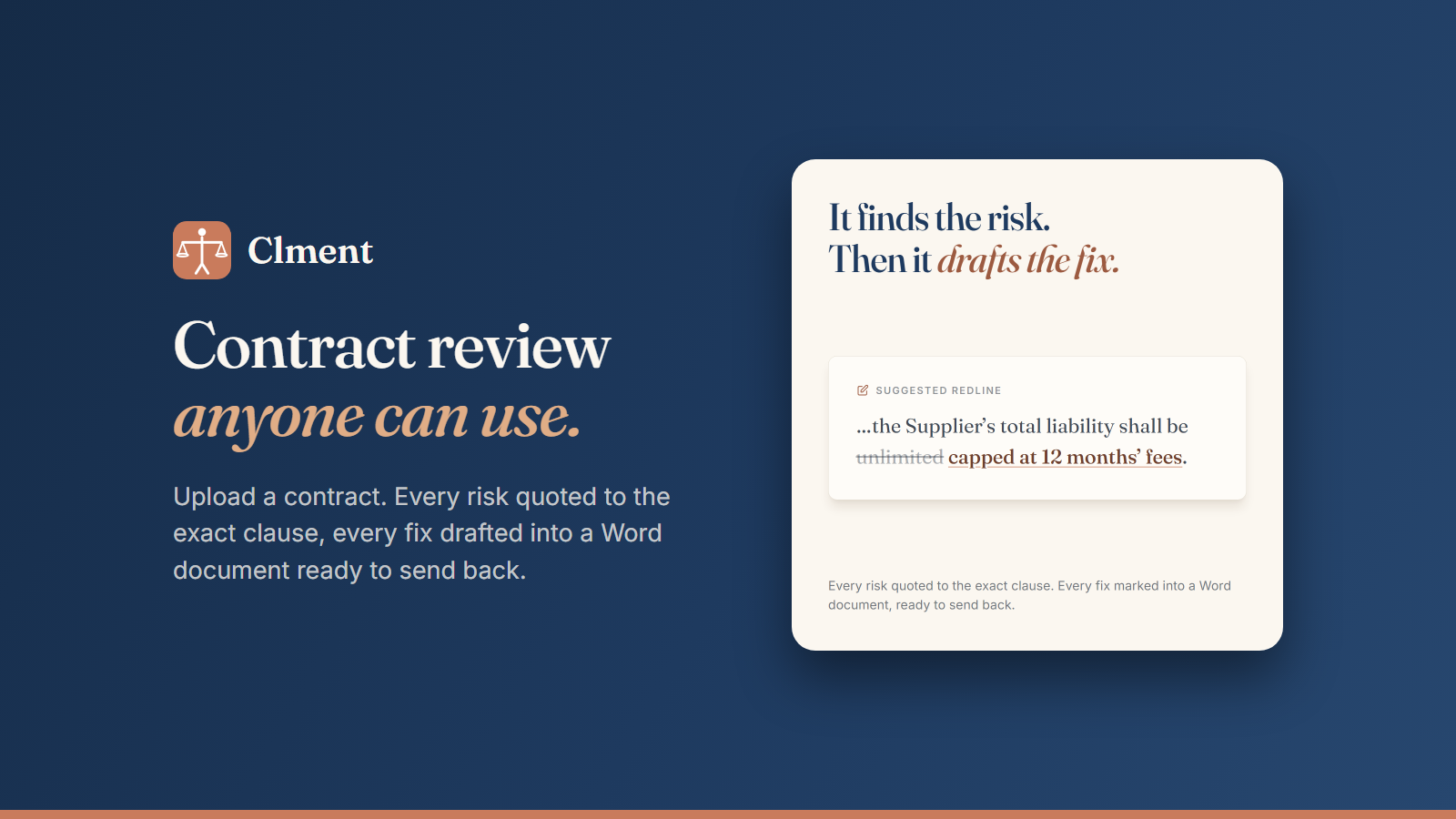
- Send back a redlined contract in minutes — suggested fixes are marked directly into a Word document with tracked changes, ready to return to the other side.
- Review any contract format you receive — PDF and Word files, including scans, are processed with OCR so nothing gets rejected at upload.
- Skip legal training and prompt-writing entirely — plain-English rules replace legalese, so anyone handling contracts can run a review.
- Keep the whole team aligned on every clause — tag teammates, comment on findings, and discuss each clause inside the system with clause-by-clause collaboration.
- Stay ahead of redlines coming back — change tracking shows exactly what the other party modified on a returned contract.
- Protect confidential contract data with SOC 2 Type II accredited encryption in transit and at rest, plus tenant isolation scoping every read and write to your organization.
- Start reviewing immediately on a free plan — upload your first contract in under thirty seconds with no credit card required; Pro starts at $149/month for small teams.
Pros & Cons
Pros
- PDF and Word support
- Drag-and-drop functionality
- OCR capability
- Document parsing
- Contract classification
- Key-date extraction
- Risk scoring
- Facilitates team collaboration
- Supports commenting on findings
- Clause discussions enabled
- Track-changes Word document generation
- Change detection feature
- High data security standards
- SOC 2 Type II Encryption
- Tenant isolation for privacy
- Designed for legal teams
- Also suited for operations
- Automatic documentation of decisions
- Clause tracking mechanism
- User-friendly for any contract handler
- Supports both user-defined and default rulebooks
- Risk citations to exact clauses
- Suggested modifications marking
- Contract-fix marks exportable to Word
- Rulebook review option
- Check contract against any rulebook
- Tool guides in decision making
- Easy reviewing and sending back
- No prerequisite for training or prompt-writing
- Easy four-step contract review process
- 60+ types of contract classification
- Helps agree, comment, assign decisions
- Direct comparison of original and returned contracts
- Contract document roundtrip via OneDrive or Google Drive
- Improves rulebook with each use
- Notifies about breaches of predefined rules
- Collaborative Word document editing
- Contributes to audit-logging and attribution
- Key-date reminders and alerts
- Automatic contract categorization
- Plain English rulebook definition
- Portfolio-level contracts questions support
- Attributes and stores team's decisions
- Confidence scoring for contract categories
- Allows role-based permissions
- Data storage in user's region
- Built-in contract redlining feature
- Free plan availability
Cons
- Requires manual rule setting
- No mobile application
- Doesn't support languages other than English
- OCR errors not handled
- Dependency on Word for modifications
- Unsupported file formats
- Risk scoring not customizable
- Absence of real-time collaboration
- Tenant data isolation issues
- No-folders organization system
Reviews
Rate this tool
Loading reviews...
❓ Frequently Asked Questions
Clment supports the upload of both PDF and Word files.
Clment identifies risks by checking the uploaded contract against a specified rulebook, either set by the user or default rules set by Clment. It highlights every potential risk by citing the precise clause.
Yes, Clment can handle team collaboration. It enables features like tagging team members, commenting on findings, and discussing clauses all within the system.
Clment uses SOC 2 Type II accredited encryption, ensuring data security both in transit and at rest.
Clment is designed for both legal teams and operations, and is also suited to anyone who regularly handles contracts.
The 'rulebook' is the set of rules that Clment checks a contract against during its review. It can be personally set by the user or use the default rules set by Clment.
Clment tracks key dates via Automated Key-date extraction. Alerts and reminders can be configured for these key dates.
Yes, Clment does offer a free trial. One can upload their first contract in under thirty seconds on the free plan, with no credit card required.
Clment has a feature that tracks changes made to a reviewed contract. If a contract is returned, Clment can show any modifications made.
Yes, Clment allows for marking suggested modifications in a contract and these modifications can be exported into a Word document for further review and action.
Clment's system can handle OCR (optical character recognition), which means it's capable of processing, understanding, and making provisions based on the content of uploaded document files.
Yes, Clment is designed for users without any legal knowledge. It checks contracts against set rules, identifies potential risks and cites the exact clauses. There is no need for specific legal training or prompt-writing.
Tenant Isolation in Clment is part of its security feature to ensure data privacy. With this feature, every read and write operation is scoped to your organization at the middleware layer, ensuring all data remains private and secure.
Yes, Clment supports both PDF and Word files.
'Key-date extraction' in Clment refers to the automatic identification and tracking of major deadlines and dates within a contract. It has a system of configurable alerts and a calendar feed to ensure key dates are not missed.
Clment's risk scoring system works on a scale of 0-100 across seven dimensions: financial, liability, IP, regulatory, and more. Each contract is accordingly given a risk score.
Yes, in Clment you can customize the rules that the system checks contracts against. This is done via the 'Rulebook' feature, where rules can be defined in plain English.
SOC 2 Type II accreditation in Clment signifies that it has been independently audited and proven to have robust controls across security, availability, and confidentiality, endorsing its commitment to data security.
Yes, Clment allows for clause by clause discussion. Team members can comment on findings, agree or disagree on each clause, fostering thorough team collaboration.
Yes, Clment has a feature that shows you any changes made to a contract once it's returned after review.
Pricing
Pricing model
Freemium
Paid options from
$149/month
Billing frequency
Monthly