
Overview
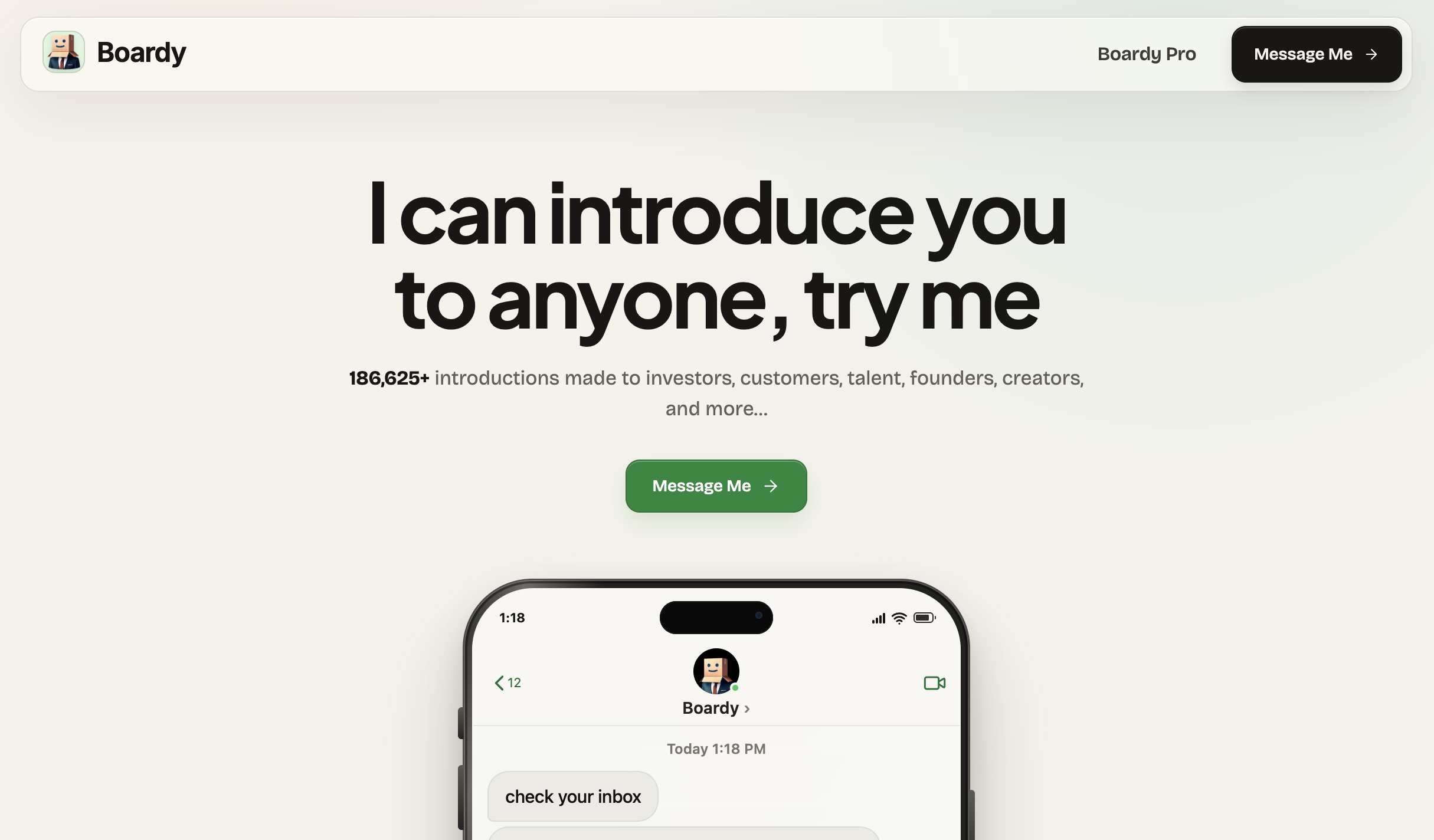
- Meet the right professionals without cold outreach—Boardy analyzes your context and needs to match you with relevant contacts from its network, delivering warm introductions instead of a static directory of contacts.
- Close deals and partnerships faster with priority introductions and a faster connection path through Boardy Pro, which uses deeper context to surface the most relevant matches promptly.
- Never trade emails about timing again—Boardy spots open slots in your calendar, books appointments, and coordinates mutual meeting times automatically once you connect your schedule.
- Keep every conversation moving without manual tracking—Boardy manages follow-ups from introduction to meeting, ensuring no post-meeting action slips through the cracks.
- Book meetings inside the tools you already use—invite Boardy to Google Meet, Zoom, or Microsoft Teams, where it listens, answers questions in real-time, and carries decisions into the follow-up.
- Skip the back-and-forth of scheduling—add Boardy to email threads and it finds available slots for both parties, books the meeting, and confirms it on everyone's calendar.
- Spend your time on high-value connections instead of admin—Boardy automates the entire networking workflow from analyzing your needs and matching contacts to scheduling and follow-up management.
Pros & Cons
Pros
- Facilitates professional introductions
- Contextual matching system
- Manages calendar coordination
- Automates meeting scheduling
- Ensures follow-ups
- Can spot open schedule slots
- Includes email management
- Invitable to meetings (Google Meet, Zoom, Microsoft Teams)
- Constructs relevant, useful introductions
- Offers priority, faster connections (Boardy Pro)
- Deeper context analysis (Boardy Pro)
- Seamless calendar integration for subscriptions
- Supports networking automation
- Helps with appointment booking
- Finds appropriate contacts from its network
- Automatic booking and confirmation
- Professional relationship building features
- Helps in meeting coordination
- Supports remote meetings
- Offers subscription services
- Promotes professional matchmaking
- Facilitates connection making
- Hand-on follow up management
Cons
- Requires calendar access
- Potential privacy concerns
- Requires constant email interaction
- Limited to specific platforms
- Dependent on user's network
- No standalone application
- Subscription required for benefits
- Absence of directory services
- Limited failed match feedback
Reviews
Rate this tool
Loading reviews...
❓ Frequently Asked Questions
The main functionality of Boardy AI tool is facilitating introductions between professionals. It analyses user requests, identifying their networking needs and making suitable matches with appropriate individuals from its network. It aids in scheduling meetings, coordinating calendars, and managing follow-ups.
Boardy helps in coordinating calendars by finding open slots in the user's schedule and adding appointments. It manages the task of scheduling meetings, includes handling instances when there are overlaps or conflicts. Once the other individual accepts the meeting request, Boardy adds it to the user's calendar.
Boardy is considered a professional relationship builder because it assists users in expanding their network by connecting them with valuable contacts according to their specific needs. Not just making introductions, it ensures the coordination of schedules, follow-up management and makes sure that the meetings are timely.
Yes, Boardy can be included in email threads to manage booking and confirmations. It can access the email thread, spot the available slots in the schedules of both parties, and book a mutual meeting time.
Boardy facilitates meeting coordination by automating the process of finding suitable times for meetings based on the schedules of all parties involved. It takes into account the open slots in the participants' calendars and schedules a mutual meeting time. Also, it aids in coordinating Google Meet, Zoom, and Microsoft Teams meetings.
Boardy Pro offers priority introductions, deeper insights into the context of the user's needs, and a faster connection path, which allows the users to connect with the right individuals more promptly compared to the standard version.
Boardy identifies the appropriate contact for your professional needs by analyzing the context you provide about the people you wish to meet. It matches your request against its database and then confirms the relevance and potential benefit of the introduction for both parties.
Unlike a basic directory of contacts, Boardy prides itself on creating relevant and meaningful introductions. It emphasizes on understanding the context and reasons behind the sought introductions, ensuring the matches it makes and introductions it facilitates are of high value and relevance to both parties.
Yes, Boardy is compatible with Google Meet, Zoom, and Microsoft Teams for meetings. You can invite Boardy to these meetings, it can listen and speak when brought in, answer questions in real-time, and carry every decision into the follow-up.
Boardy aids in appointment booking by spotting open slots in your schedule and setting up appointments for meetings. It can be included in email threads to find a suitable time for the meeting, book it, and confirm it so everyone knows it's on the calendar.
The subscription service of Boardy works by connecting your calendar with Boardy. Once connected, Boardy can access your schedule, spot open slots, and make introductions and appointments more efficiently.
To subscribe to Boardy Pro, you simply need to ask Boardy to connect with your calendar. Once connected, you can get access to priority intros, deeper context, and a faster path to appropriate contacts.
Priority introductions offered by Boardy Pro mean that the subscribers get faster, more focussed introductions based on their requirements. Since the users provide their calendar access to Boardy, the AI can make introductions and set up meetings promptly, giving Pro subscribers an edge in networking speed and efficiency.
Boardy manages networking automation by taking care of the whole process of meeting coordination and introductions. From analysing users' needs, finding suitable contacts and introducing them, to setting up the meetings and handling the follow-ups—all these tasks are automated by Boardy, making professional networking far more streamlined.
Boardy assists with follow-up management by keeping track of all introductions and meetings it facilitates. It ensures that the users do not miss any follow up after an introduction or a meeting and keeps the conversation going, handling the entire process from introduction to follow-up.
Boardy helps with professional matchmaking by understanding user-specific requirements and then identifying the most suited individuals from its database. The AI engine factors in the context, the relevance of the professional match, and the potential value of the meeting, ensuring the introductions are substantial and useful.
Boardy is referred to as a superconnector because it boasts an extensive network of professionals and a sophisticated AI that can promptly match users with the contacts they seek, thereby effectively simplifying and accelerating the process of professional networking.
Yes, Boardy can identify open slots in your schedule and add appointments for you. Once you connect your calendar with Boardy, the AI tool can access your calendar, spot the open slots, and schedule appointments, ensuring efficient time management.
Deeper context in the Boardy Pro services means the AI tool delves deeper into understanding the specific needs and preferences of the user and the background of the meeting requirements. This allows for more accurate matching and introduction in terms of professional requirements.
In ensuring the introduction made is useful, Boardy understands the outcome the user needs from the relationship or meeting, matches the request against its database based on what people have told it, and then verifies that the introduction is relevant for both parties. Finally, it makes the warm introduction, coordinates the calendars, and schedules the call.
Pricing
Pricing model
No Pricing