
Apple Final Cut Pro
Overview
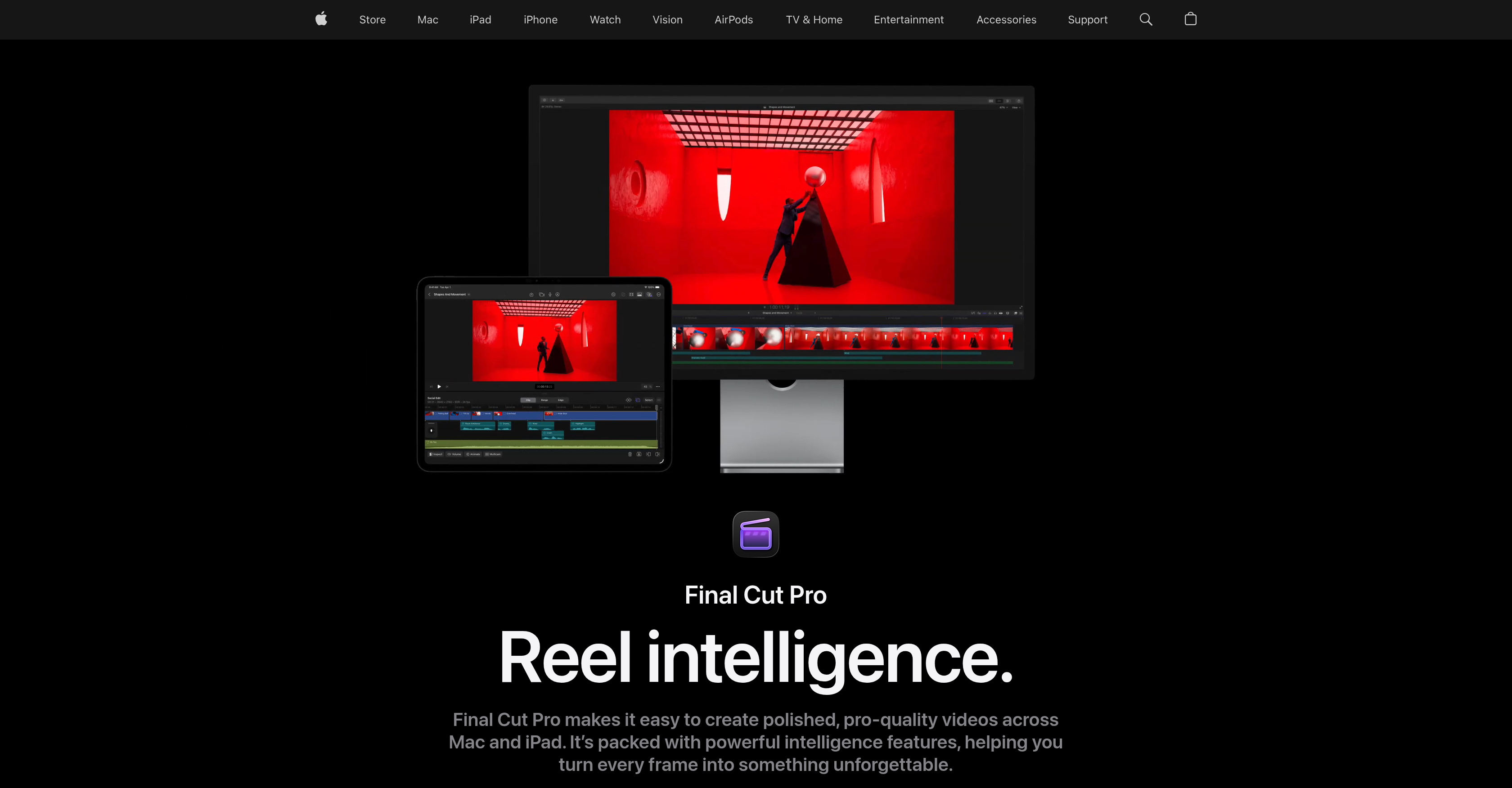
- Deliver polished, pro-quality videos faster using intelligent video editing tools that streamline every stage of post-production
- Edit freely without breaking sync by experimenting with story ideas in the flexible Magnetic Timeline, where clips move and trim while everything stays aligned
- Isolate people and objects from any background without a green screen using Magnetic Mask, eliminating complicated rotoscoping work
- Publish accessible, search-friendly content with Automatic Captions that analyze spoken audio and generate accurate captions rapidly
- Track people, objects, and faces automatically and attach effects, titles, or adjustments that follow movement using the AI-powered Object Tracker
- Create smooth, high-quality slow-motion footage with AI-powered Smooth Slo-Mo that intelligently generates and blends video frames
- Balance color, contrast, and brightness instantly on video or still images with the Enhance Light and Color effect
- Achieve cinematic color grading using color curves, hue saturation curves, a color inspector with color wheels, and LUTs
- Produce videos that sound as good as they look with advanced audio editing capabilities for polished, high-quality sound
- Create motion graphics alongside video and audio editing on a complete post-production platform
- Never run out of creative direction with a large library of titles, transitions, soundtracks, and effects built for compelling video content
- Edit on Mac and iPad with software designed for compatibility across both devices
Pros & Cons
Pros
- Mac and iPad compatible
- Professional video creation
- Comprehensive audio editing
- Integrated motion graphics
- Advanced color grading
- Flexible Magnetic Timeline
- Magnetic Mask feature
- Automatic captions
- Extensive title library
- Wide variety of transitions
- Soundtrack library
- Effects library
- Integrated with Apple's Creator Studio
- Allows for object isolation without green screen
- Pro-quality video creation
- Large content creation suite
- Logic Pro integration
- Pixelmator Pro integration
- Advanced audio editing capabilities
- Visual search capabilities
- Transcript search feature
- Automatic movement tracking
- One-click color enhancement
- Smooth Slo-Mo feature
- Automatic clip reframing
- Integrated beat detection
- Customizable content for social media
- Pro-level color grading
- Drag-and-drop effects
- Auto tracking of movement
- Extensive graphics and transitions
- Automatic video reframing
- Extensive dynamic video content
- Inter-device workflow compatibility
- Intuitive editing tools
- Allows for fast, flexible editing
- Ability to isolate without green screen
- Machine learning enhanced light and color effect
- Mapping of song parts, bars, beats
- Integrates with other Apple devices, apps
- Elevates visuals with effects, transitions
- Intelligent generation, blending of video frames
- Library of dynamic video content options
- Designed for both portrait and landscape
- Auto-analyzes music for sync
- Highest-quality movement for drama effect
- Fast transition from first cut to final delivery
- Provides pro-quality results
- Offers a complete video editing playground
Cons
- Limited to Apple devices
- Requires one-time purchase
- May have complex features
- Automatic captions inaccuracies
- Limited library content
- Requires high-performance hardware
- No PC compatibility
- Learning curve for beginners
- Potential lags with large files
- Limited customer support options
Reviews
Rate this tool
Loading reviews...
❓ Frequently Asked Questions
Apple Final Cut Pro is a software developed by Apple for video creation and editing. It offers pro-quality video creation and editing features and is designed for compatibility with Mac and iPad devices.
Final Cut Pro offers extensive video and audio editing features. These include pro-quality video editing tools powered by AI, flexible Magnetic Timeline, Magnetic Mask for object isolation without the need for a green screen, and Automatic Captions. It provides a complete platform for audio editing, motion graphics, and color grading.
Final Cut Pro utilizes AI in several ways to enhance user experience and increase efficiency. It uses AI for Automatic Captions that analyze spoken audio to create captions quickly with accurate results. AI is also utilized in the Object Tracker that maps the movement of people, objects, or faces to attach effects, titles, or make adjustments in the shot. AI-powered Smooth Slo-Mo intelligently generates and blends video frames to provide high-quality movement.
The Magnetic Timeline is a feature in Final Cut Pro that allows for fast, flexible editing. It allows users to experiment with different edits and story ideas by moving and trimming clips, keeping everything in sync.
Yes, using the Magnetic Mask feature, Final Cut Pro can isolate people and objects from the background without the need for a green screen.
Yes, Final Cut Pro can automatically generate captions. It achieves this by analyzing spoken audio, allowing the software to create captions rapidly with accurate results.
Final Cut Pro offers a large library for video editing including titles, transitions, soundtracks, and effects. This helps inspire creativity and aids in the production of compelling video content.
Final Cut Pro offers advanced audio editing capabilities ensuring that not only do the videos look good, they sound good as well. It can ensure polished and high-quality audio to accompany the video content.
Yes, Final Cut Pro is part of Apple's Creator Studio. This collection includes several other creative apps.
Apart from Final Cut Pro, Apple's Creator Studio Collection includes Logic Pro, Pixelmator Pro, and several other creative applications.
Yes, Final Cut Pro is designed to be compatible with both Mac and iPad devices.
The Magnetic Mask in Final Cut Pro is used to isolate people and objects from the background without the need for a green screen, eliminating the need for complicated rotoscoping process.
Yes, Final Cut Pro offers tools for color grading. It uses professional tools like color curves, hue saturation curves, a color inspector with color wheels, and even the application of LUTs to help your projects look their best.
Final Cut Pro provides numerous intelligent features to enhance the creative process. These include a flexible Magnetic Timeline, a Magnetic Mask for object isolation, Automatic Captions, and a library of titles, transitions, soundtracks, and effects to inspire creativity and aid in the production of compelling video content.
Final Cut Pro harnesses the power of AI to effectively enhance the user experience by ensuring a smooth content creation and editing workflow. The AI features streamline complex tasks such as object tracking, color grading and creating slow motion scenes, thereby making the overall task simpler and efficient.
Final Cut Pro provides a range of pro-quality video features including intelligent tools for seamless video editing, Magnetic Timeline for flexible editing, and a Magnetic Mask for isolating objects without a green screen. Furthermore, it leverages AI for automatic captions creation and object tracking, providing an enhanced video creation experience.
Yes, besides video and audio editing, Final Cut Pro provides a complete platform for creating and editing motion graphics.
Final Cut Pro provides tools for creating polished, pro-quality videos. These include a substantial library of titles, transitions, soundtracks, and effects. Users can also experiment with different story ideas through a flexible Magnetic Timeline, isolate objects with a Magnetic Mask, and generate captions automatically with AI tools.
Final Cut Pro introduces a range of features to streamline the editing process such as a flexible Magnetic Timeline, Magnetic Mask, and an Automatic Captions feature. Through these features, it ensures a smooth editing workflow thus enhancing the user's experience.
The AI in Final Cut Pro introduces additional functionalities such as automatic caption generation through spoken audio analysis, object movement mapping, ideal color balance, contrast, and brightness enhancements for video or still images through the Enhance Light and Color effect. These AI powered features help to streamline and improve the video creation and editing experience.
Pricing
Pricing model
Free Trial
Paid options from
$12.99/month
Billing frequency
Monthly
Refund policy
View Policy